

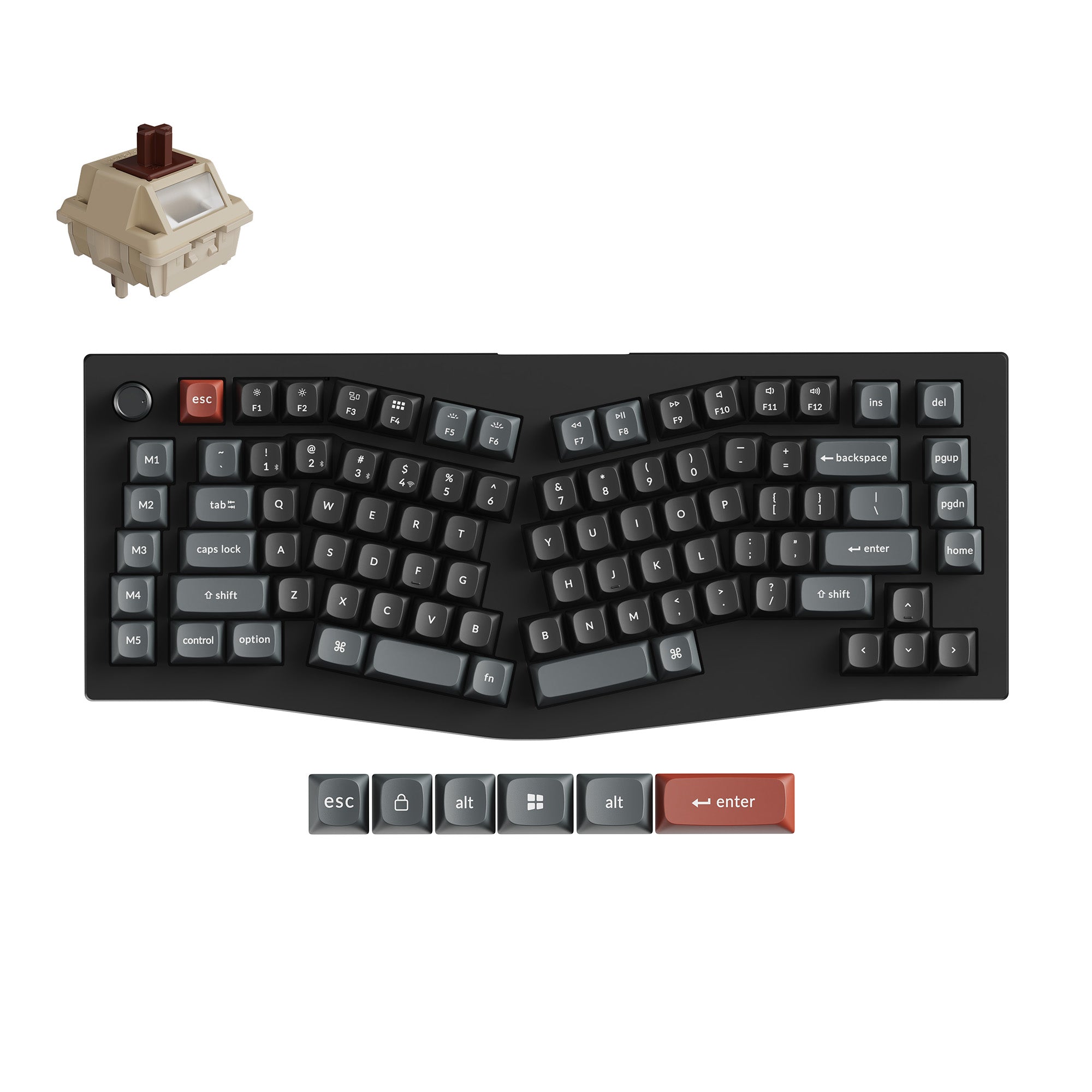
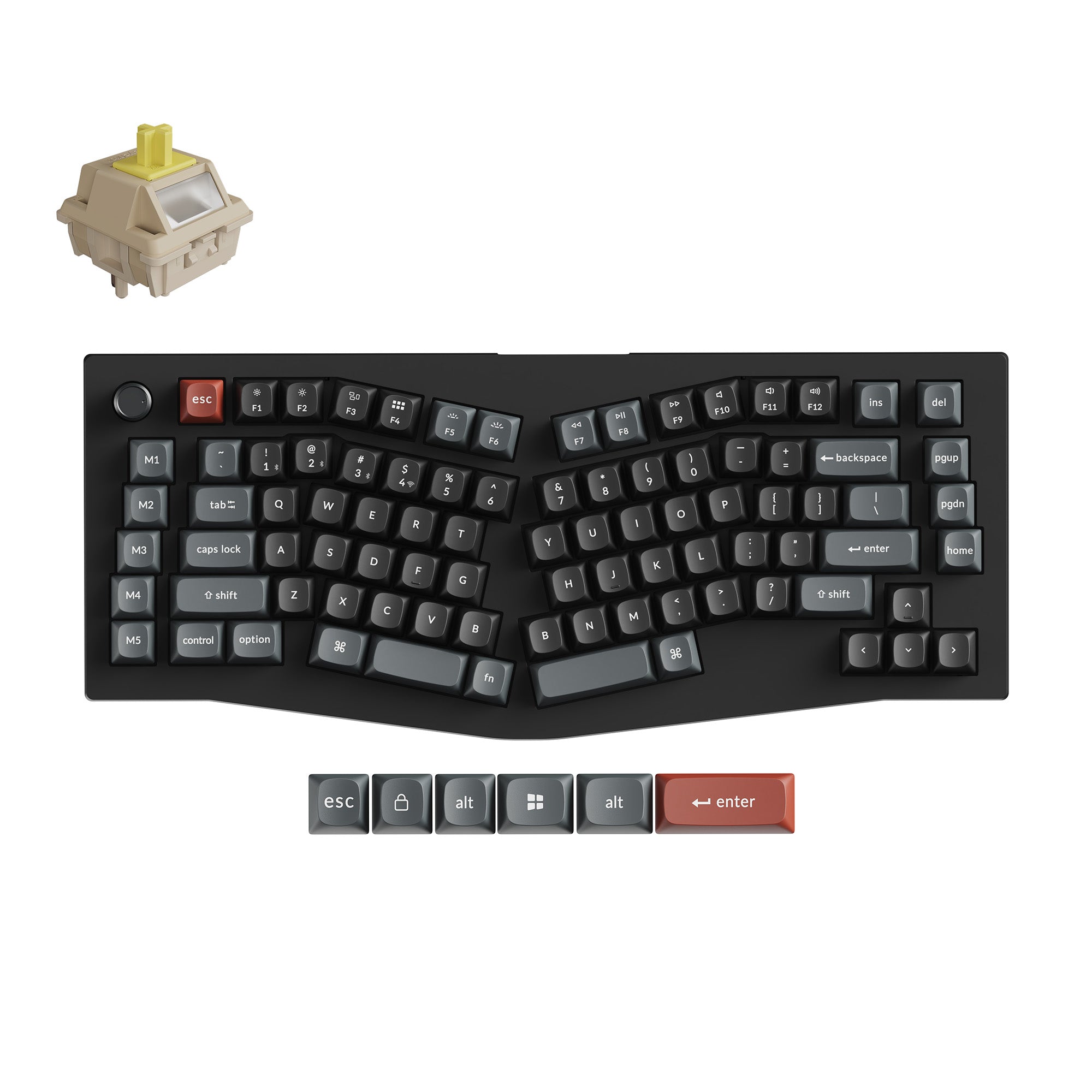
Keychron V10 Ultra 8K Wireless Custom Mechanical Keyboard
Description
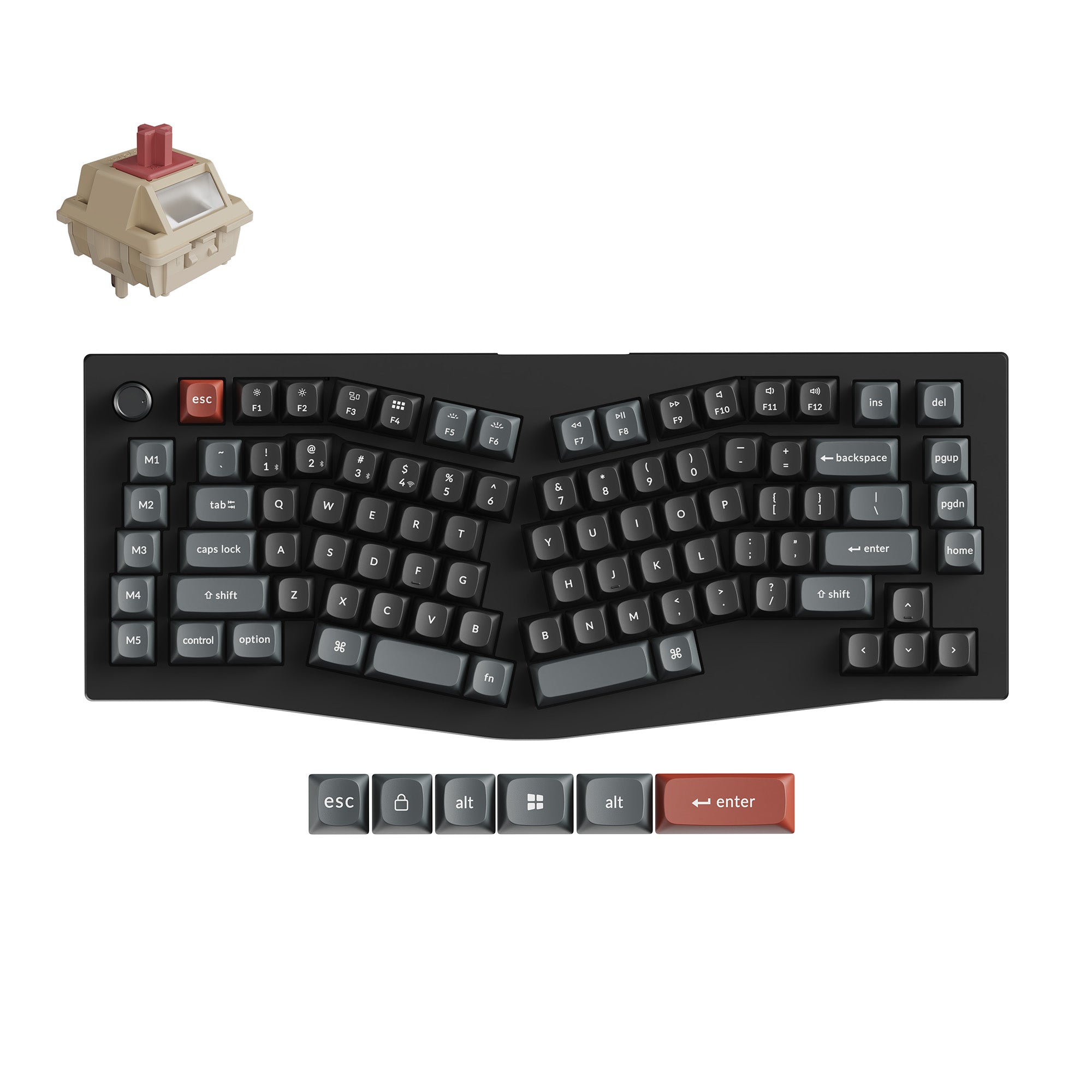
The Fully Assembled version includes:
- The keyboard PCB, the case, and the PC plate.
- Keycaps (including Mac & Windows keycaps).
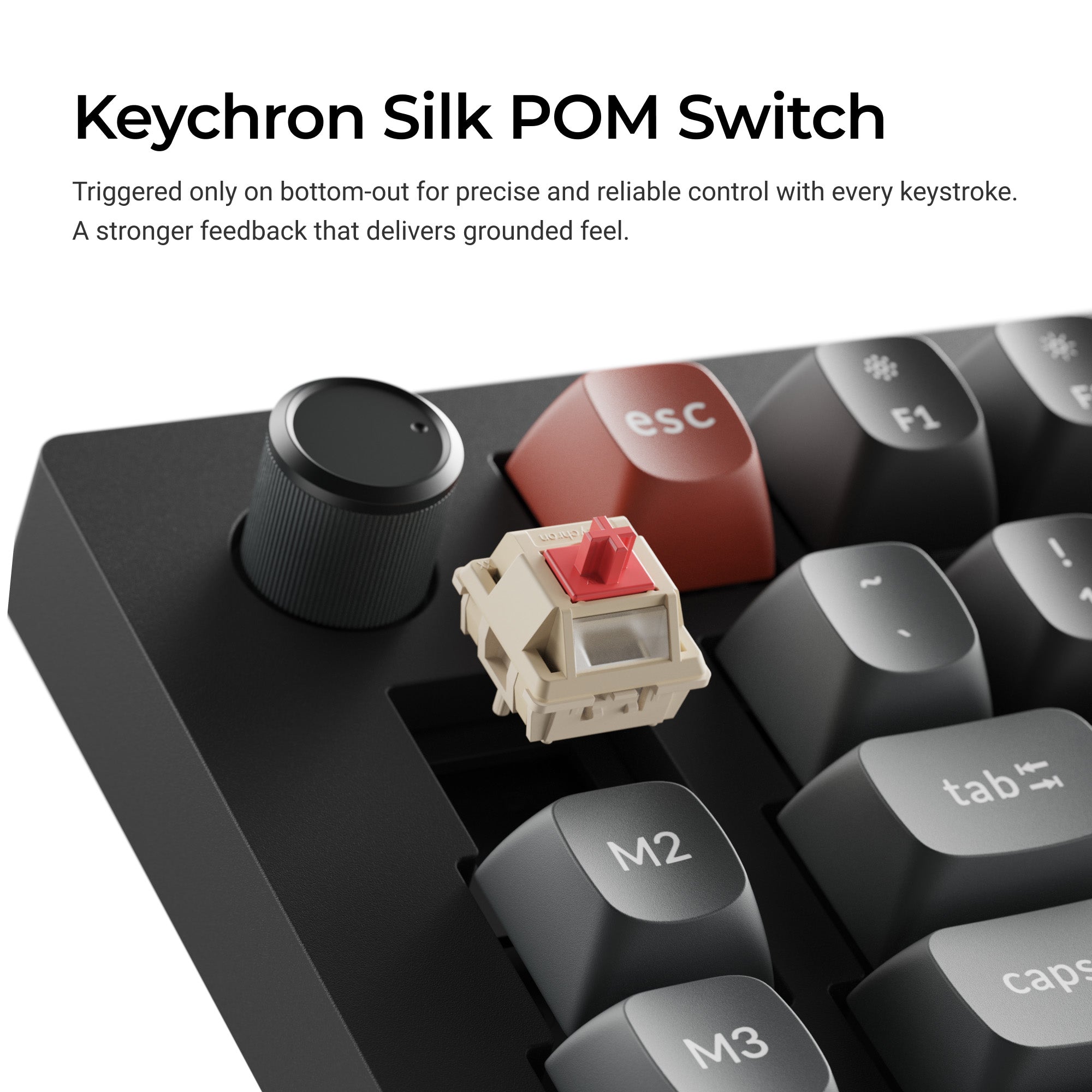
- Keychron Silk POM Switches.
Choose options
Keychron V10 Ultra 8K Wireless Custom Mechanical Keyboard
Sale price$179.00

Keychron V10 Ultra 8K
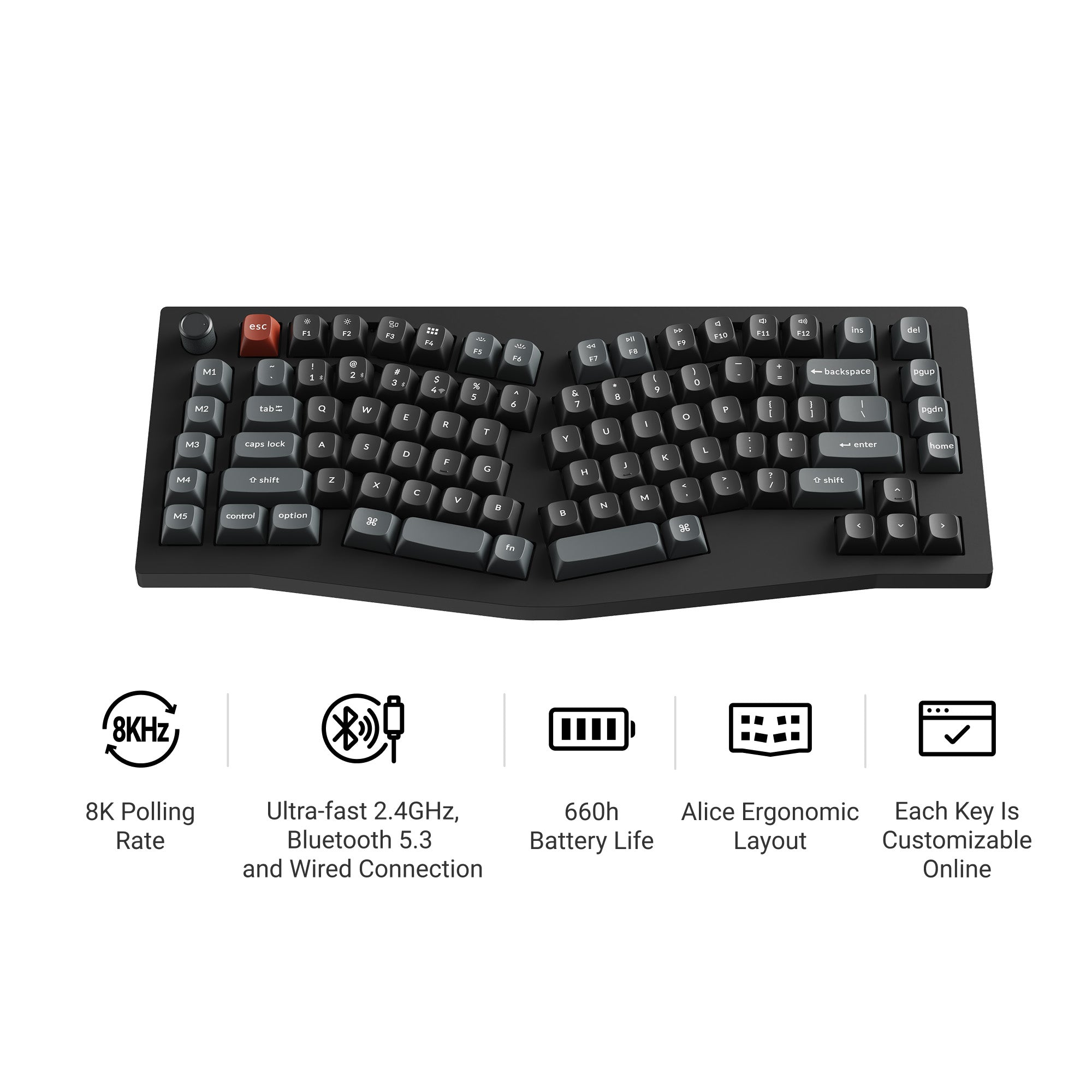
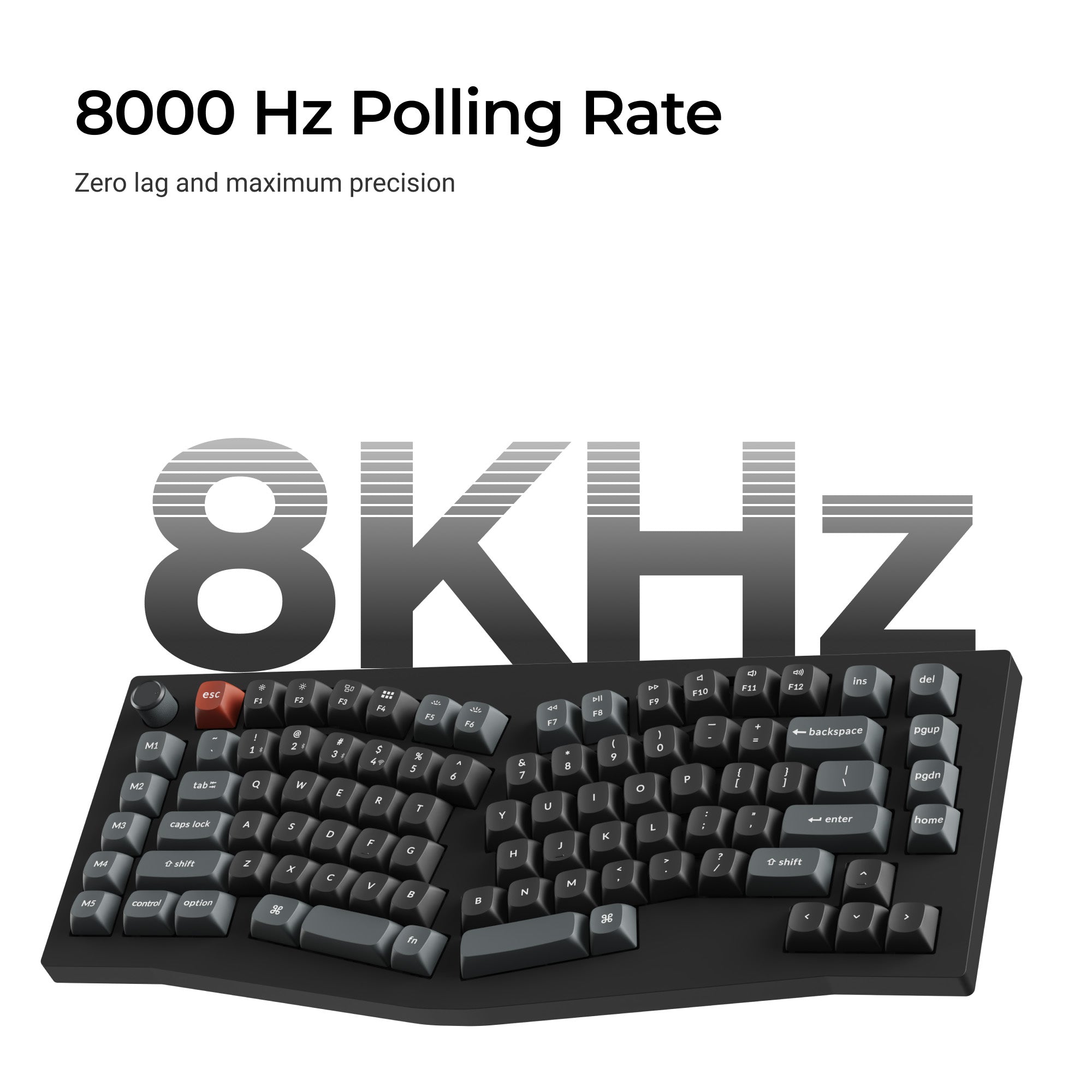
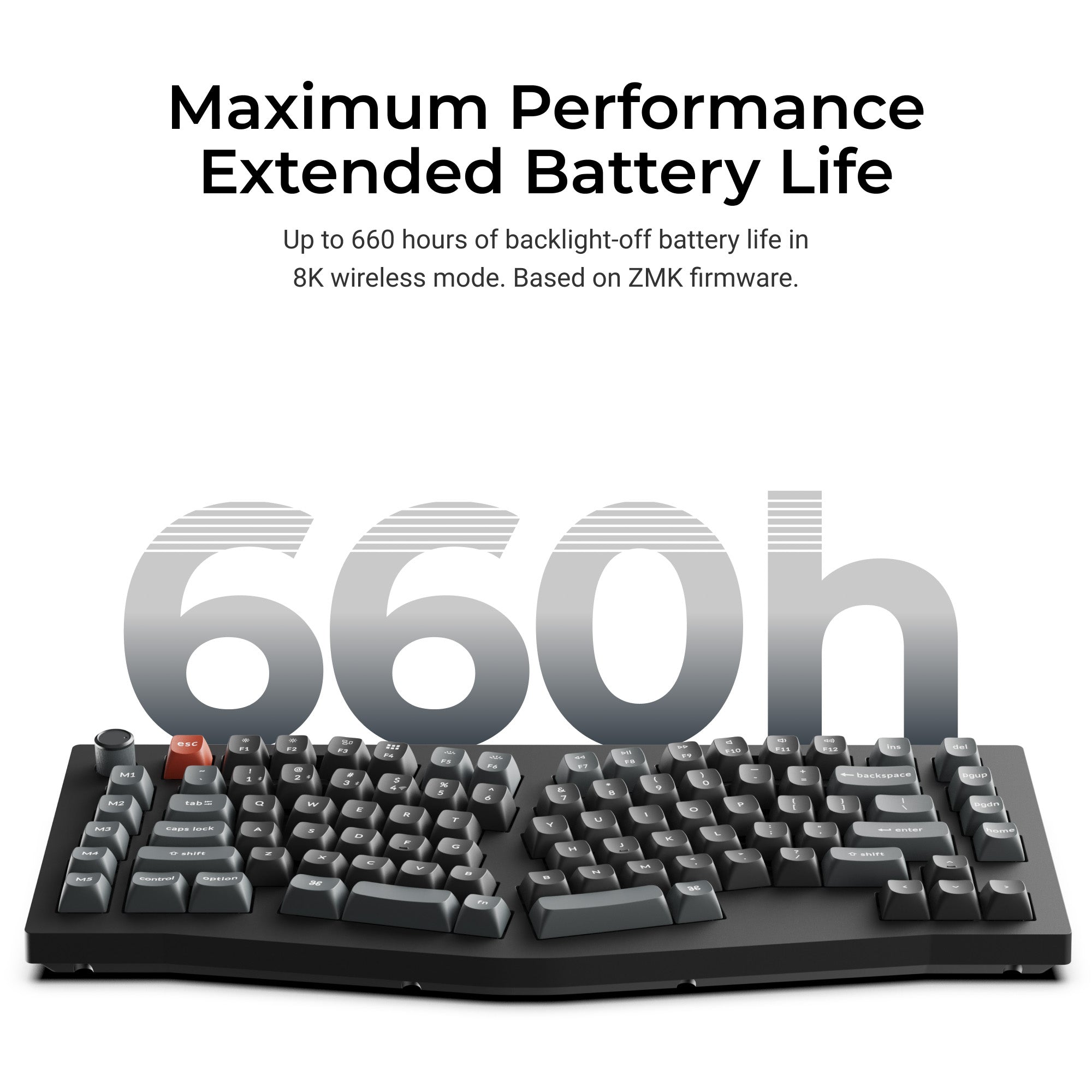
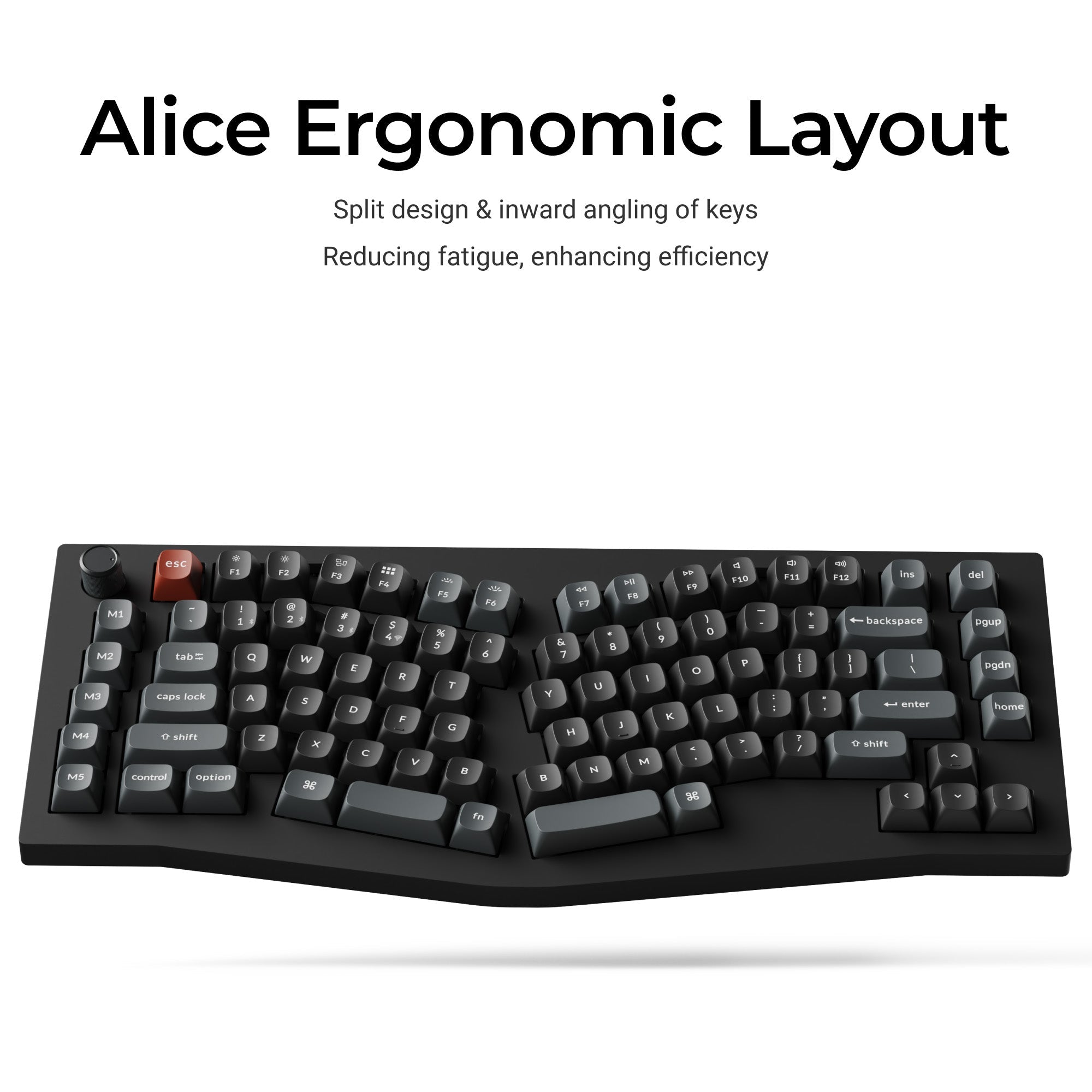
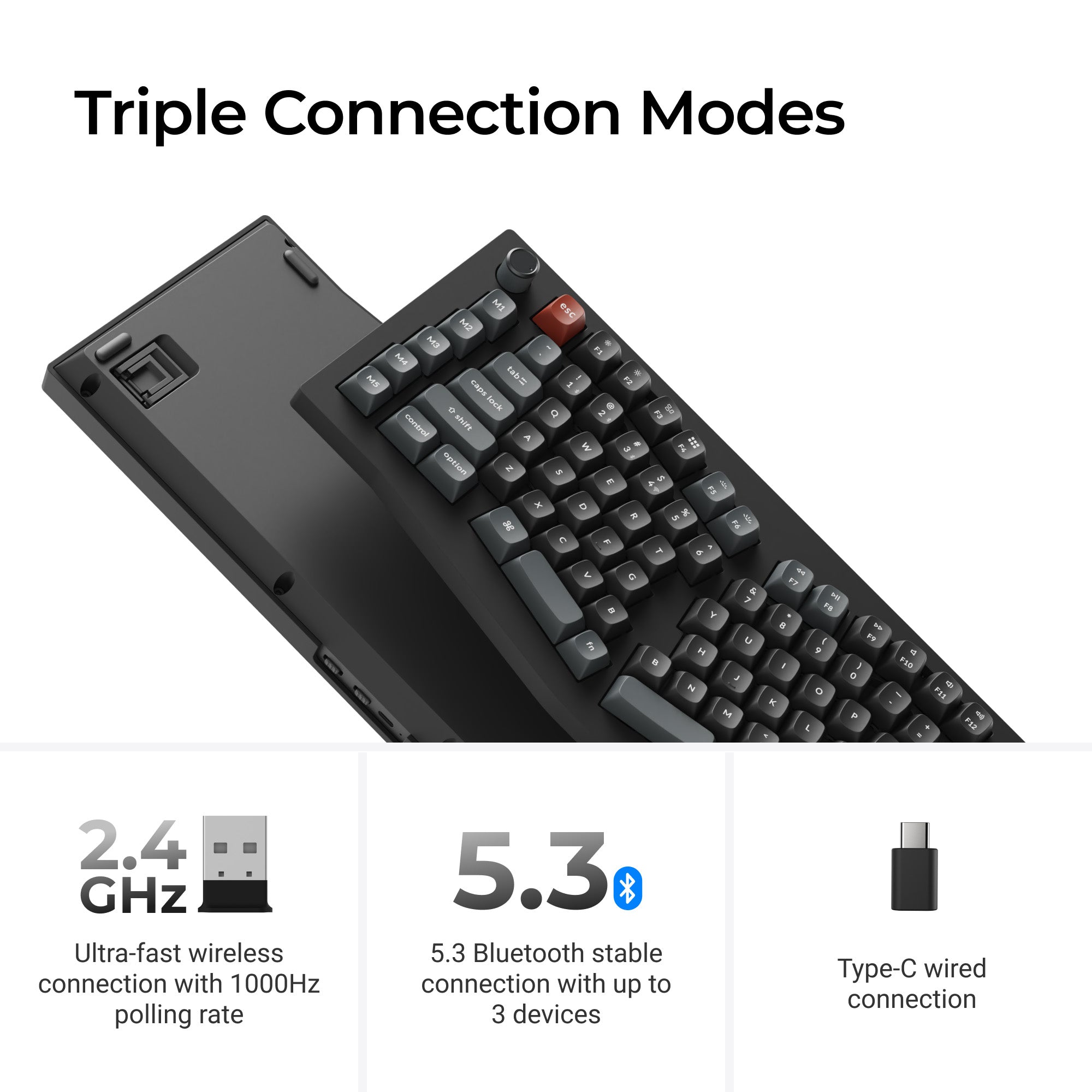
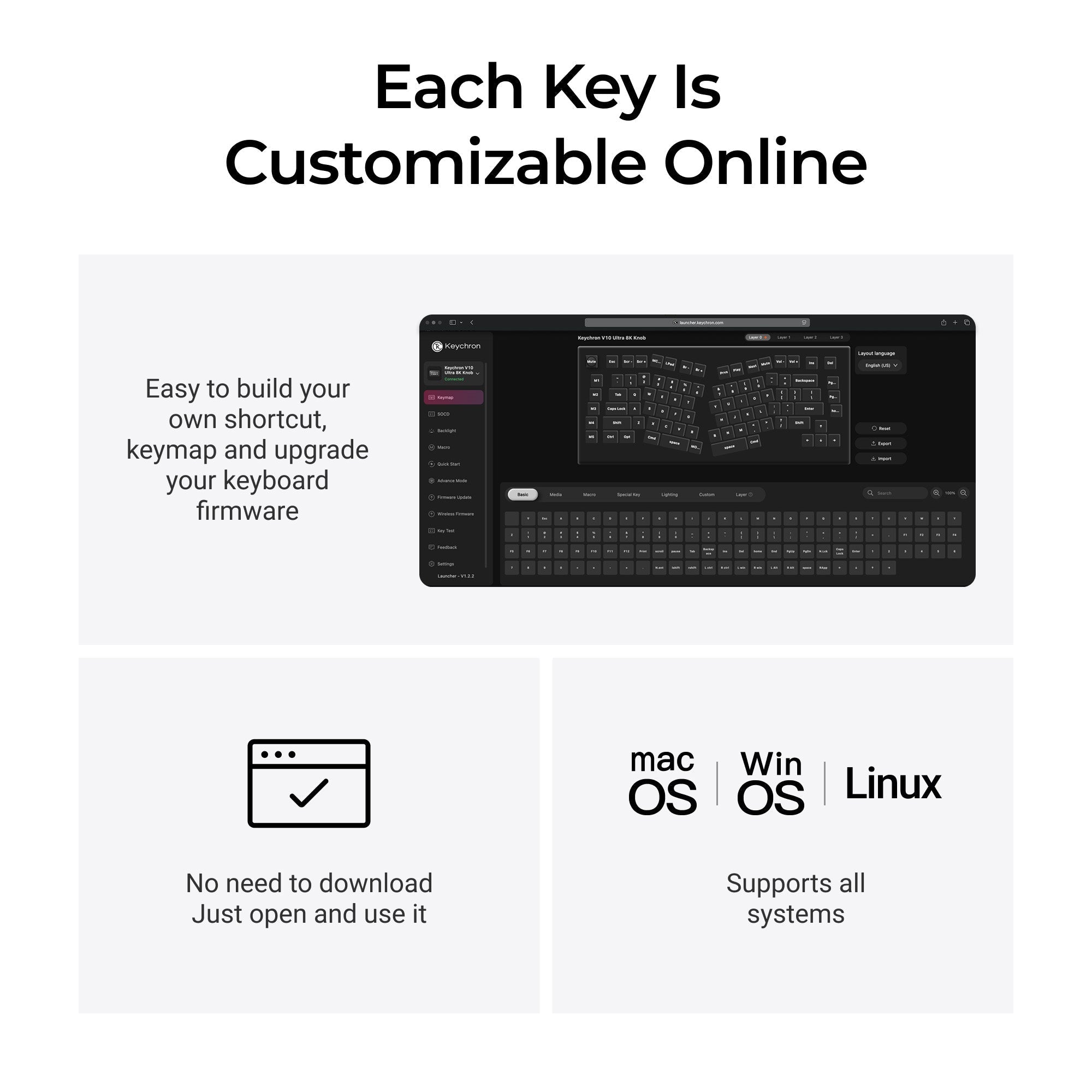
Meet the Keychron V10 Ultra 8K, a next-generation 75% Alice layout wireless custom mechanical keyboard engineered for unparalleled performance and ergonomic comfort. It supports 2.4 GHz wireless, Bluetooth 5.3, and wired connections. Powered by ZMK firmware, it enables an 8K polling rate in wireless mode while delivering up to 660 hours of battery life. Enhanced with multiple layers of acoustic foam, it delivers a refined typing experience with premium sound. Through Keychron Launcher, complete customization is always within reach.

SPECS
| Product Information | |
|---|---|
| Size | 162.2×389.6mm |
| Front Height | 24.4 mm (without keycaps) |
| Back Height | 34.5 mm (without keycaps) |
| Bottom Case Material | Plastic |
| Feet Height | 3mm |
| Weight | 950g±10g |
| Keycap | OSA double-shot PBT keycaps |
| Angle | 3.5° / 7.5° / 9.5° |
| Plate Material | PC |
| Switch | Keychron Silk POM Switch |
| Stabilizer | Screw-in PCB stabilizer |
| Backlight | South-facing RGB LED |
| Battery | 4000 mAh Rechargeable li-polymer battery |
| Compatible System | macOS/Windows/Linux |
| Operating Environment | 10 to 50°C |
| Body Material | Plastic |
| Performance | |
|---|---|
| Connectivity | 2.4 GHz / Bluetooth 5.3 / Type-C Wired |
| Polling Rate | 8000 Hz (Wired & 2.4GHz)125 Hz (Bluetooth) |
| N-Key Rollover (NKRO) | Yes |
| Bluetooth Device Name | Keychron V10 Ultra 8K |
| Wireless Working Time | Up to 660 hours (Backlit off) Up to 200 hours (RGB, lowest brightness) |
| Hot-swappable | Yes |