

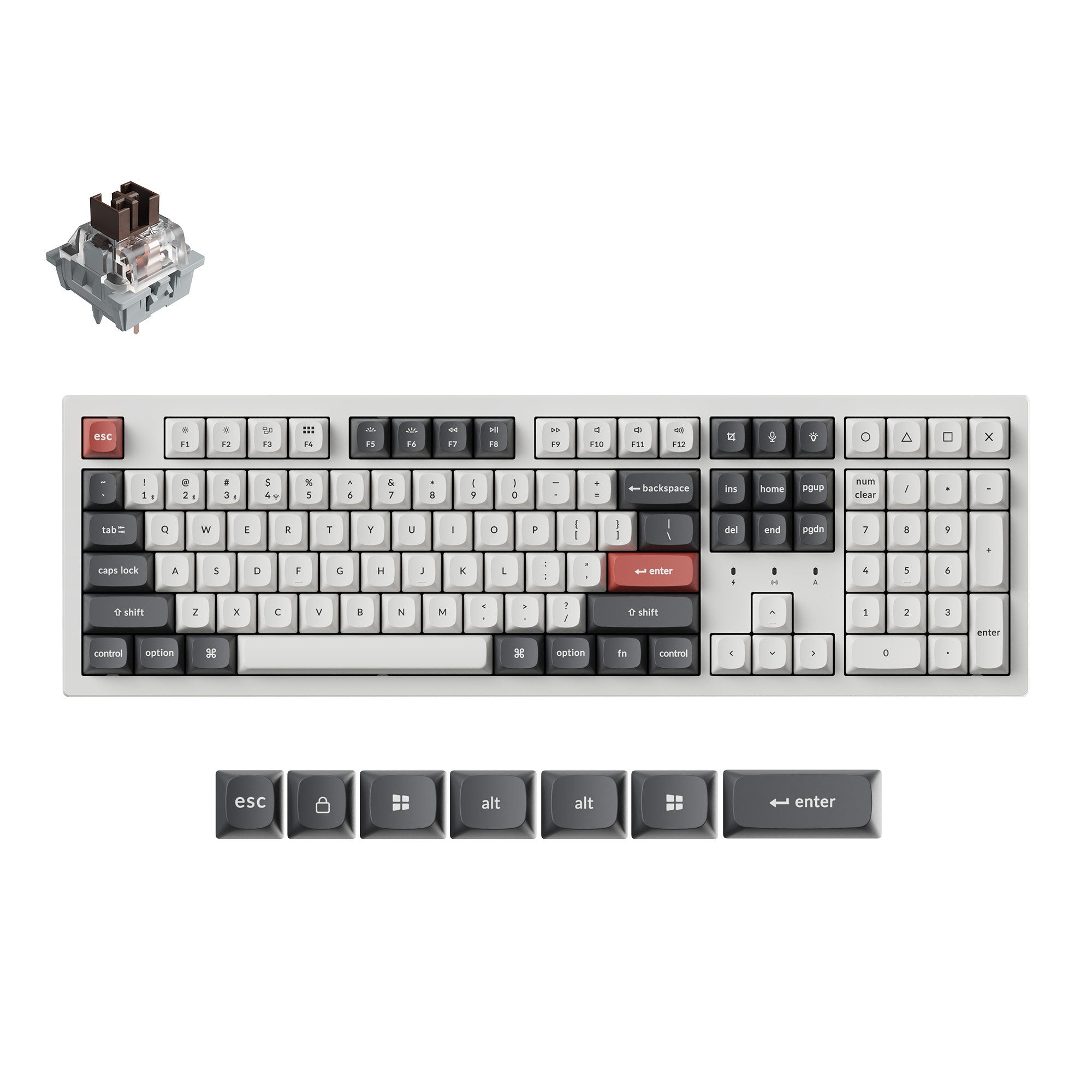
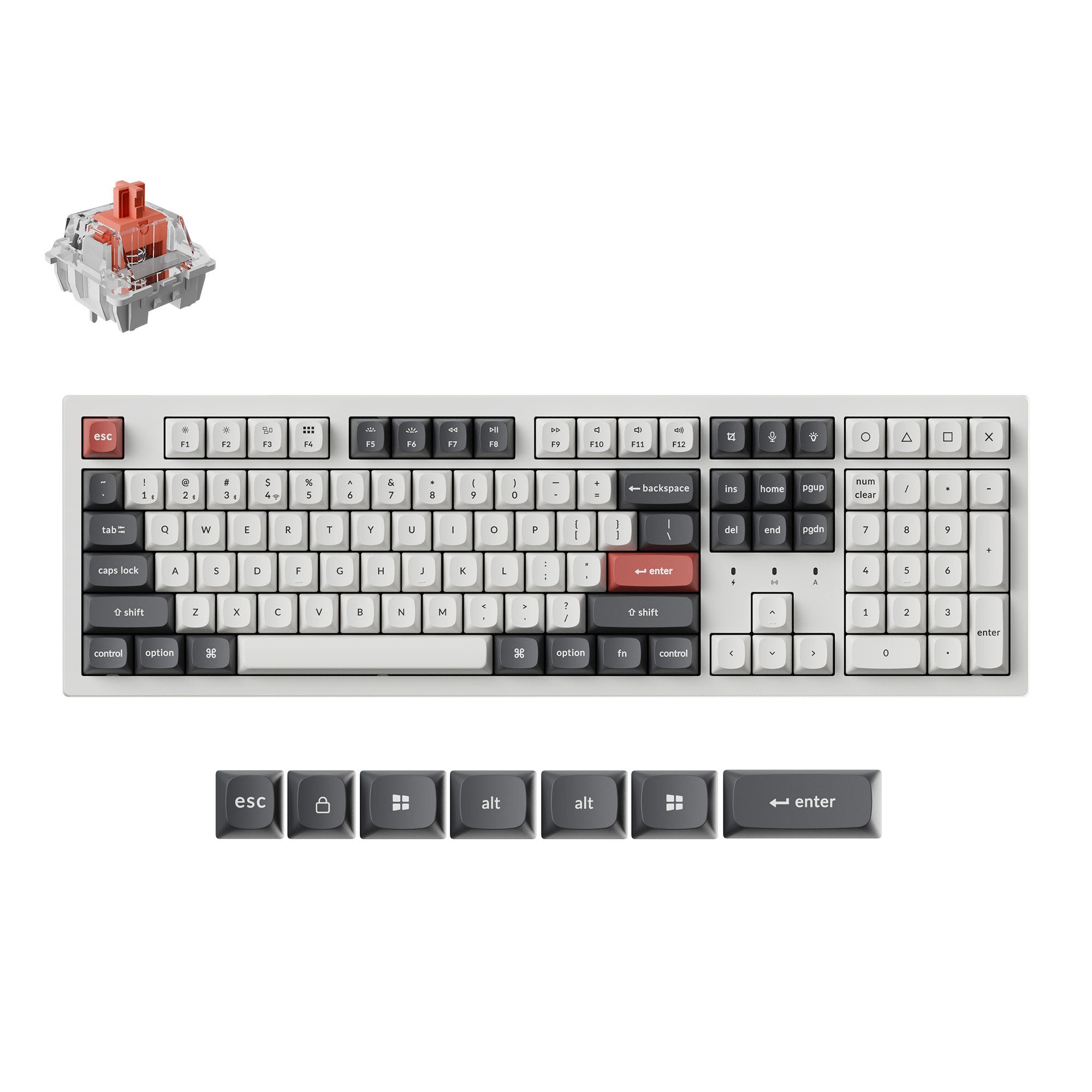
Keychron K10 Ultra 8K Wireless Custom Mechanical Keyboard
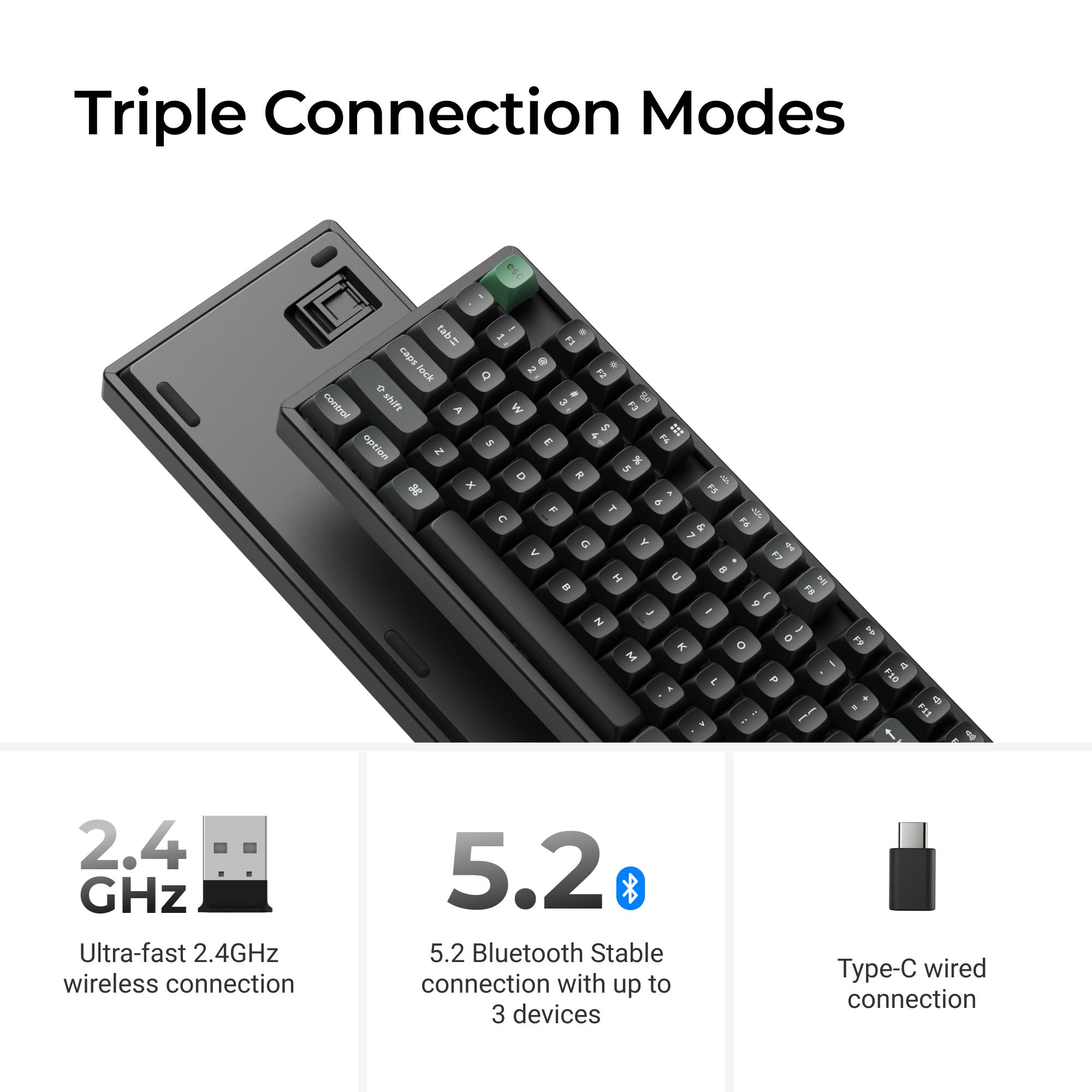
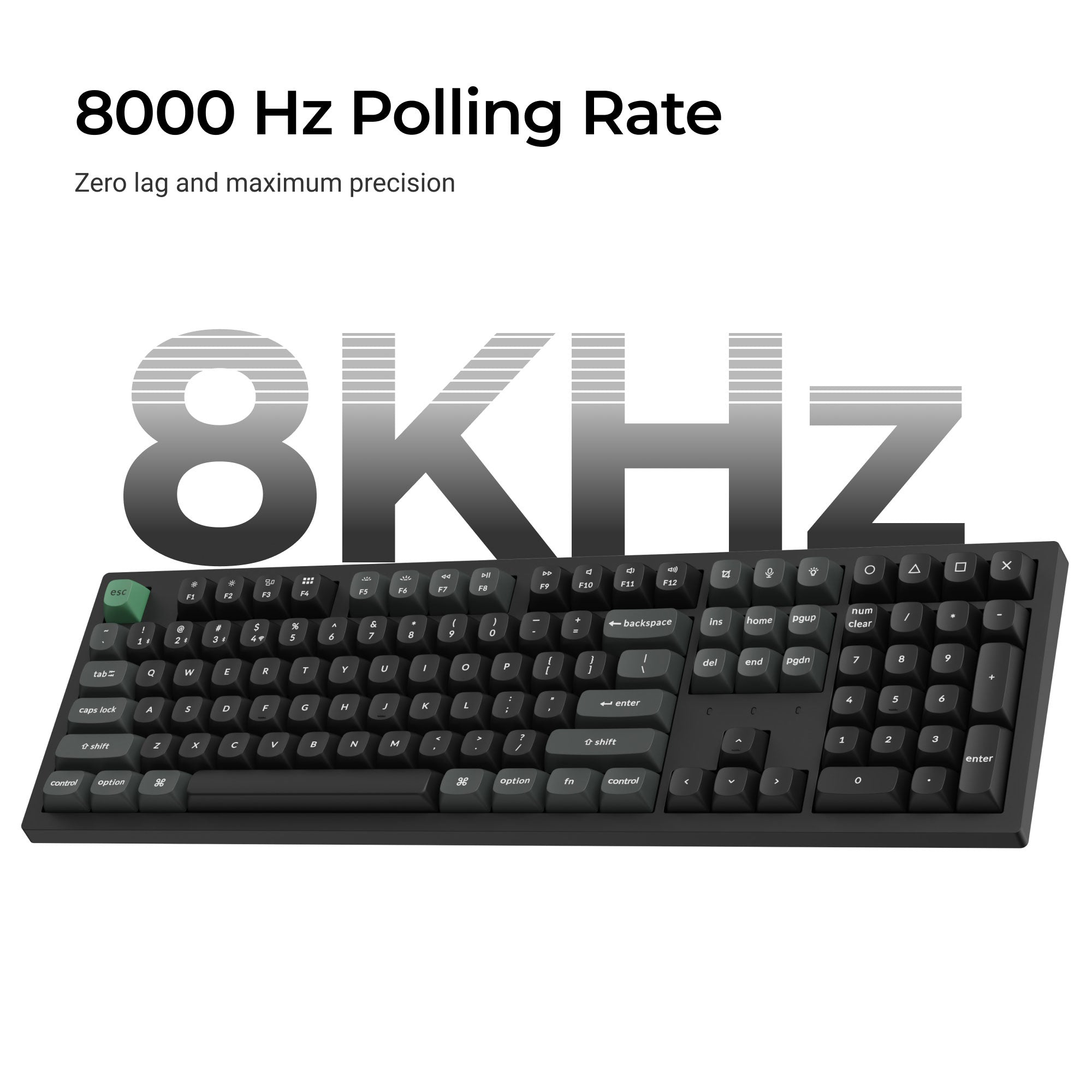
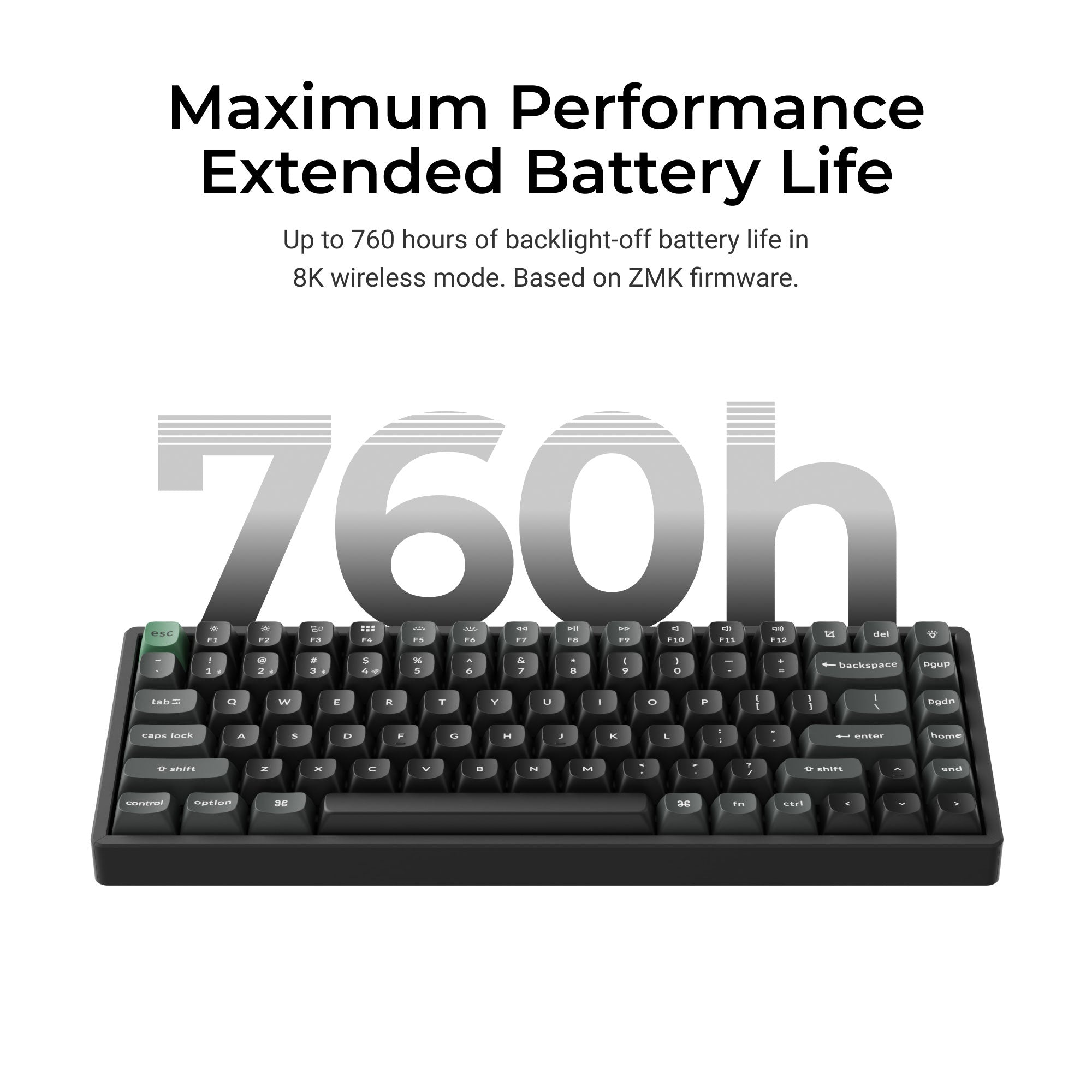
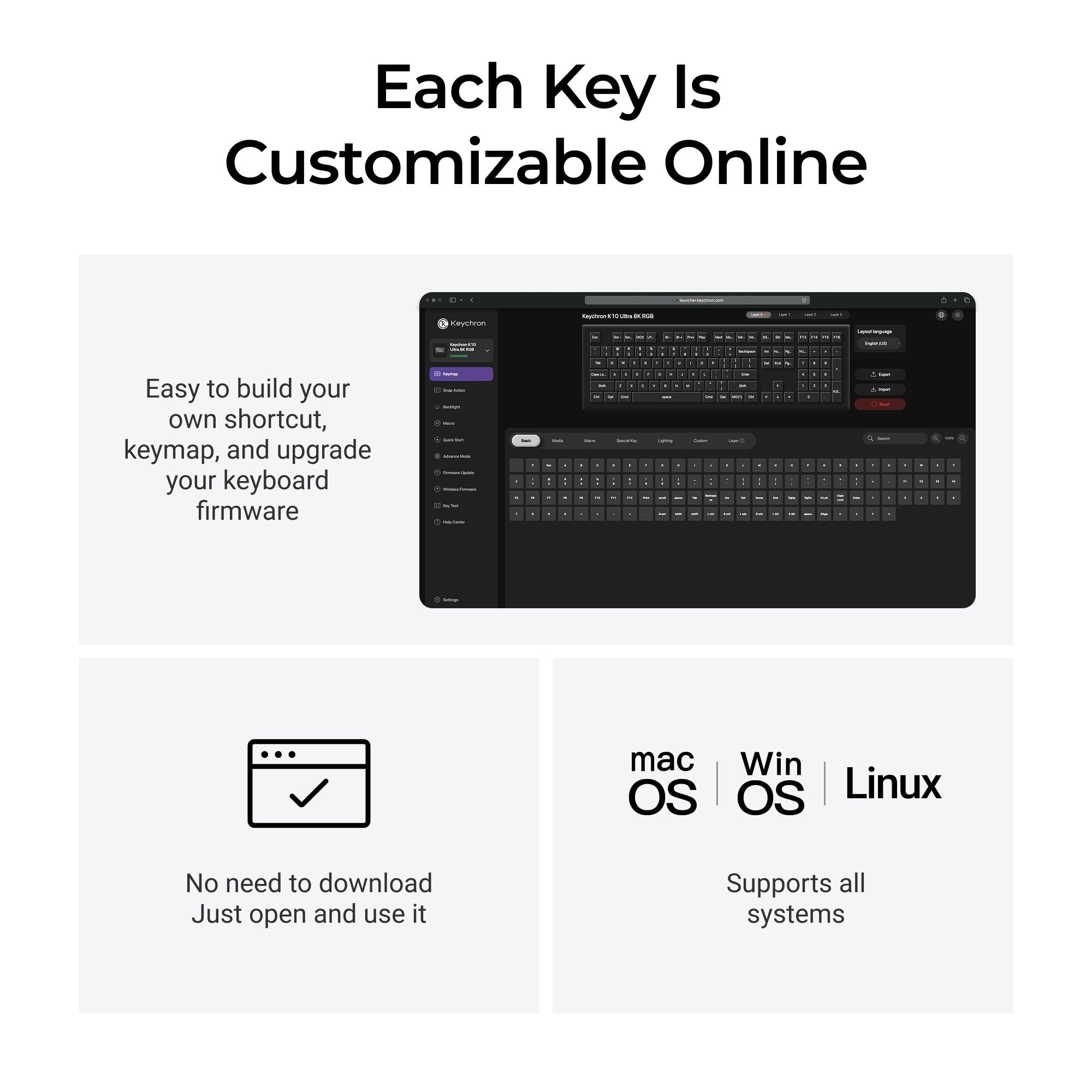
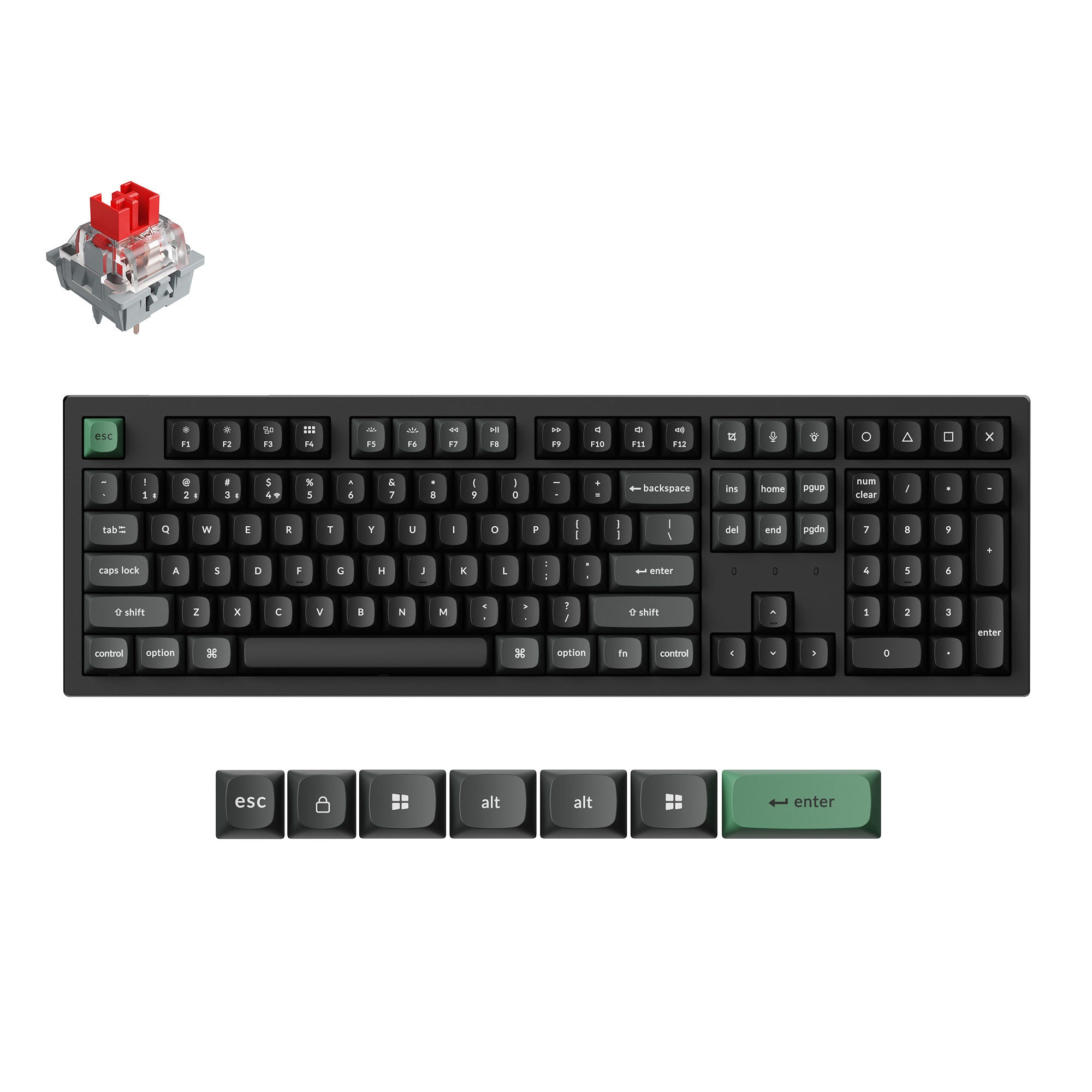
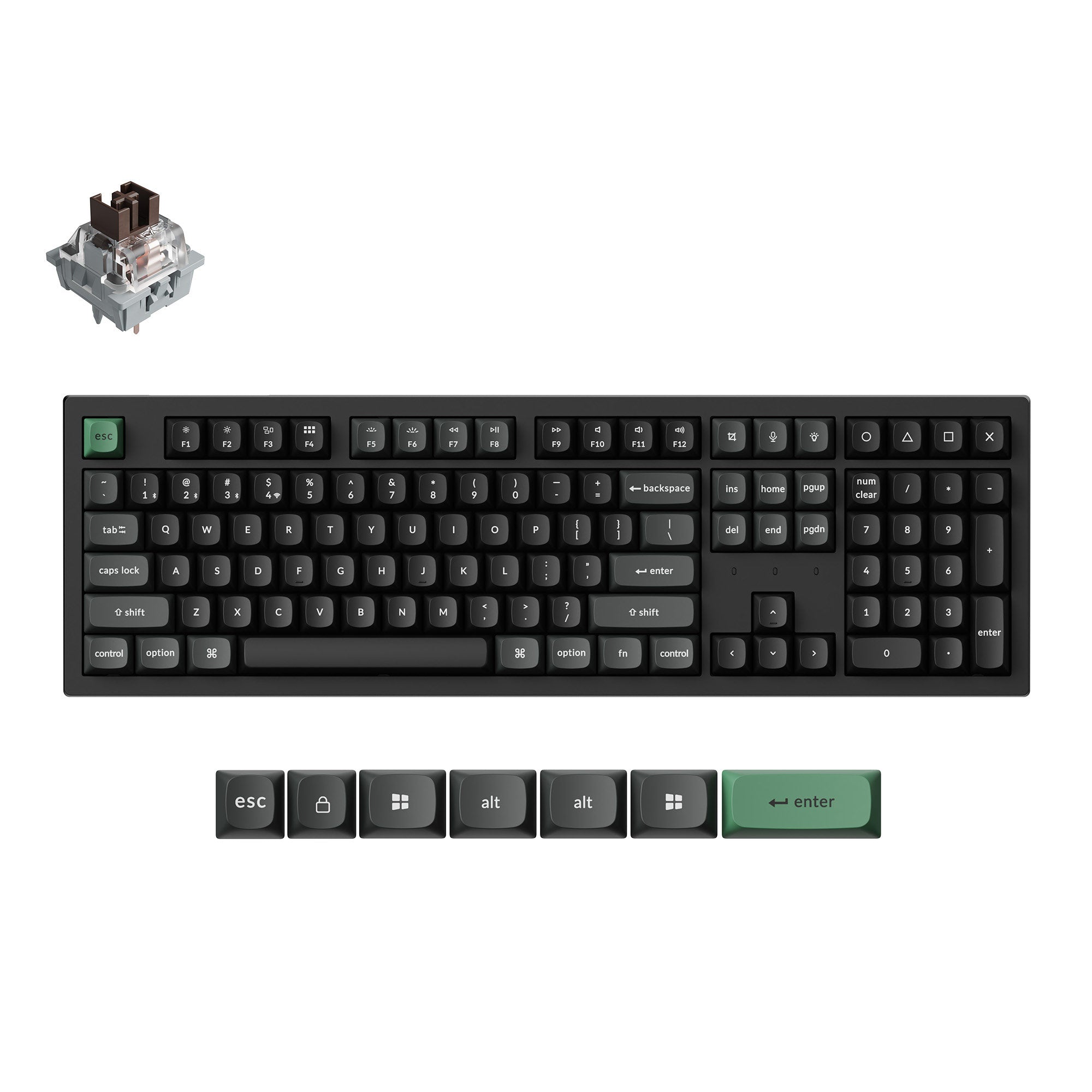
Keychron K10 Ultra 8K is a wireless custom mechanical keyboard built for peak performance and full productivity. It supports 2.4 GHz wireless, Bluetooth, and wired connectivity. Featuring a full-size (100%) layout, it delivers a complete and efficient workflow for work, number entry, and gaming. Powered by ZMK firmware, it offers an 8K polling rate in 2.4 GHz mode for ultra-fast responsiveness, along with up to 760 hours of battery life. With full key customization via Keychron Launcher and hot-swappable support, it’s designed for ultimate flexibility and personalization.
Pickup available at Mastex Corporation
Usually ready in 24 hours
Keychron K10 Ultra 8K Wireless Custom Mechanical Keyboard
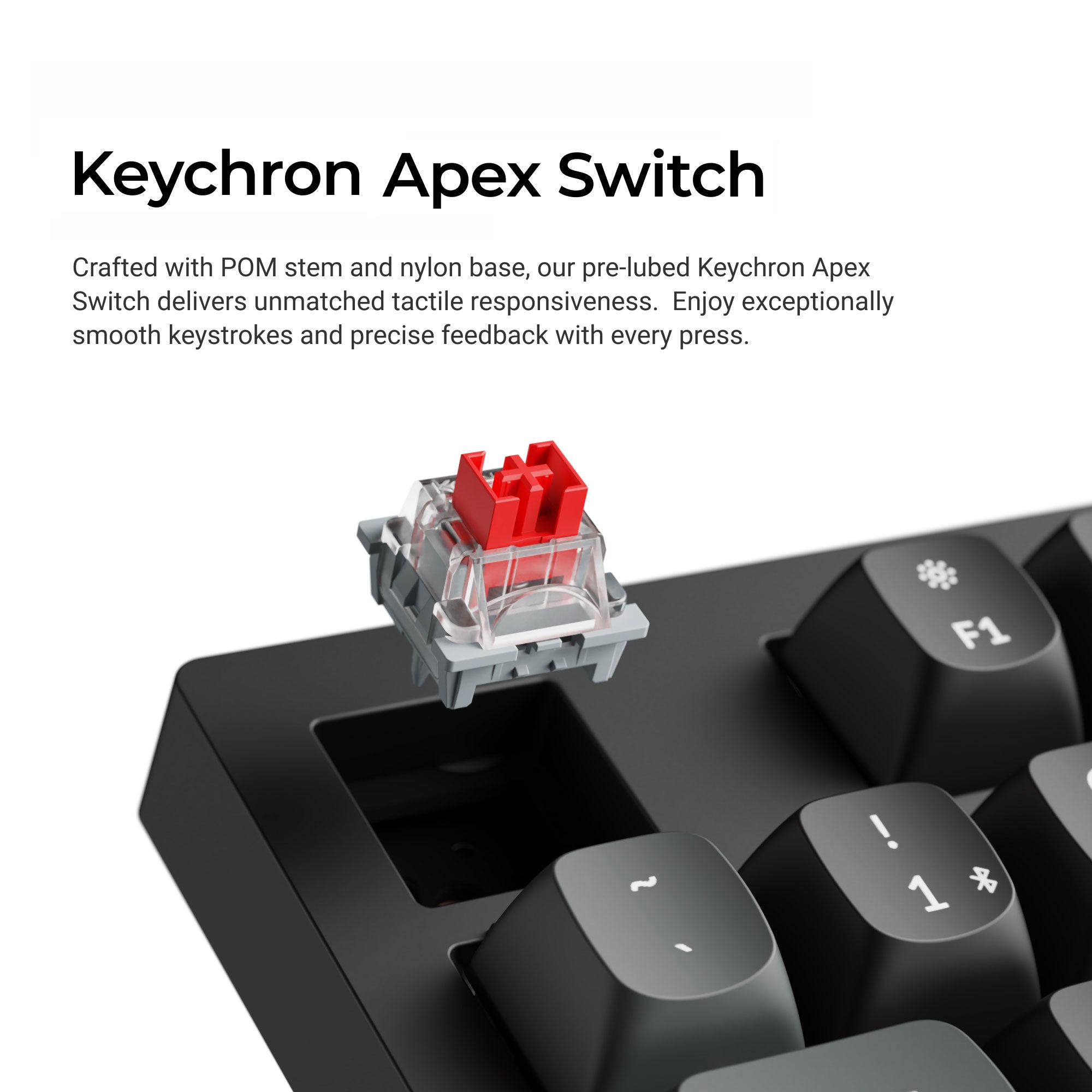
Fully Assembled / Black / Keychron Apex Red Switch
Mastex Corporation
Unit 12, 163-179 Forster Road
Mount Waverley VIC 3149
Australia
Choose options

KEYCHRON K10 ULTRA 8K
The K10 Ultra 8K is a wireless mechanical keyboard with a 100% full-size layout. It delivers an ultra-responsive experience with an 8000 Hz polling rate in both wired and wireless modes. Supporting Bluetooth, wired, and ultra-low-latency 2.4 GHz connectivity, it adapts seamlessly to any setup. Powered by the open-source ZMK firmware, it unlocks endless customization possibilities while delivering up to 600 hours of battery life (8K, backlit off), enhancing performance in both work and gaming.

SPECS
| Product Information | |
|---|---|
| Size | 447.76 x 139.82 mm |
| Front Height | 21.54 mm (without keycaps) |
| Back Height | 29.01 mm (without keycaps) |
| Bottom Case Material | ABS |
| Feet Height | 1.9mm |
| Weight | 1495 g ± 10 g |
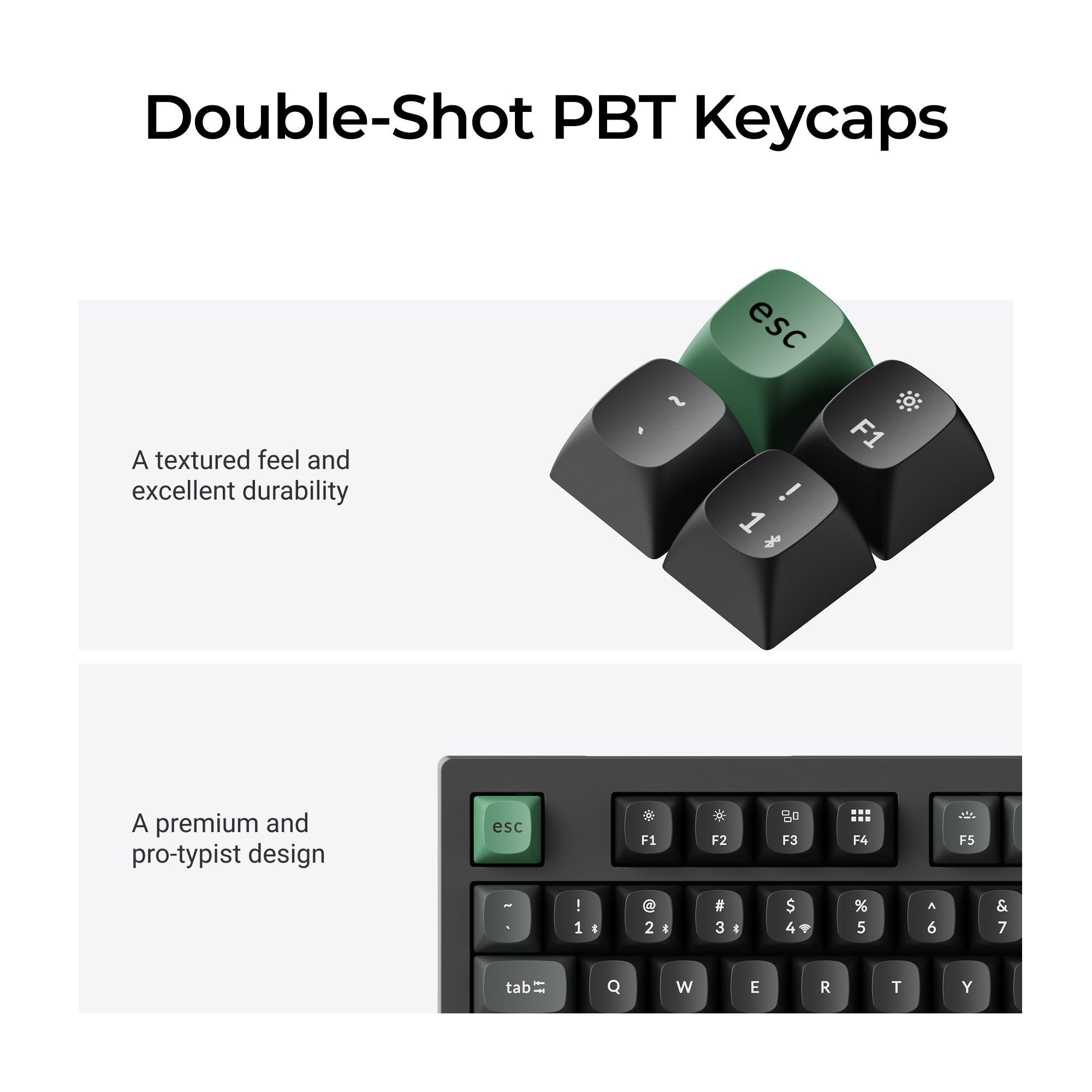
| Keycap | OSA double-shot PBT keycaps |
| Plate Material | Steel |
| Switch | Keychron Apex Switch |
| Stabilizer | Screw-in PCB stabilizer |
| Backlight | South-facing RGB LED |
| Battery | 4000 mAh Rechargeable Lithium Polymer Battery |
| Compatible System | macOS/Windows/Linux |
| Operating Environment | 10 to 50°C |
| Body Material | ABS |
| Performance | |
|---|---|
| Connectivity | 2.4 GHz / Bluetooth 5.2 / Type-C Wired |
| Polling Rate | 8000 Hz / 2000 Hz / 1000 Hz |
| N-Key Rollover (NKRO) | Yes |
| Bluetooth Device Name | Keychron K10 Ultra 8K |
| Wireless Working Time | Up to 600 hours (8K, backlit off) |
| Hot-swappable | Yes |