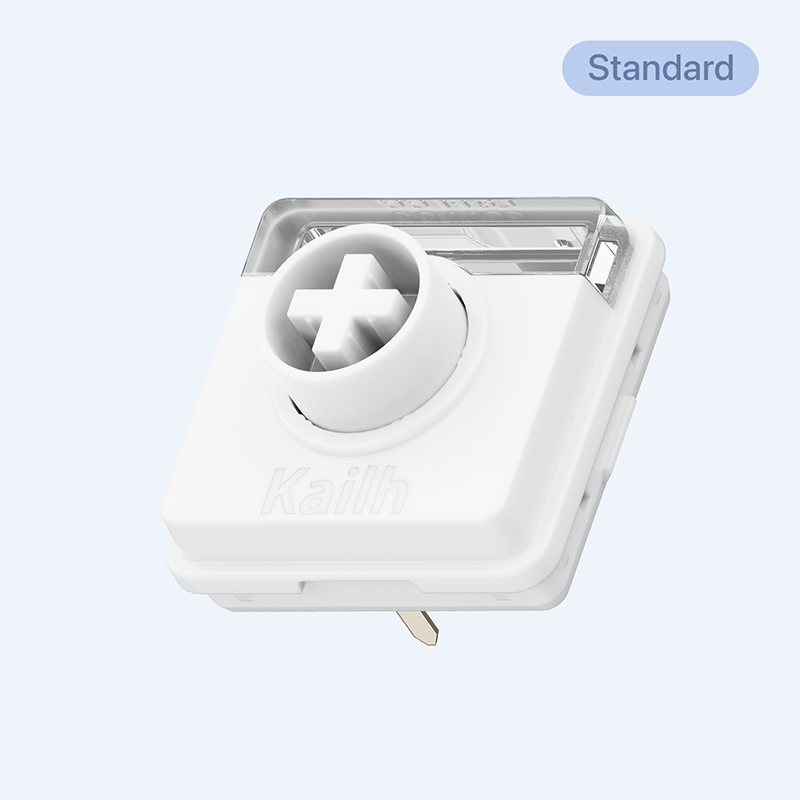
Surfer
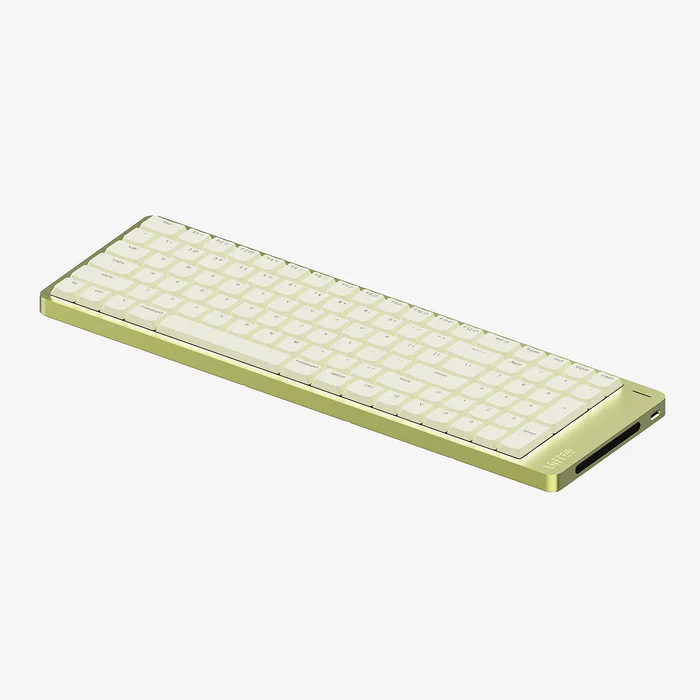
Crisp linear, rapid response, perfect when you want zero distractions and total concentration.

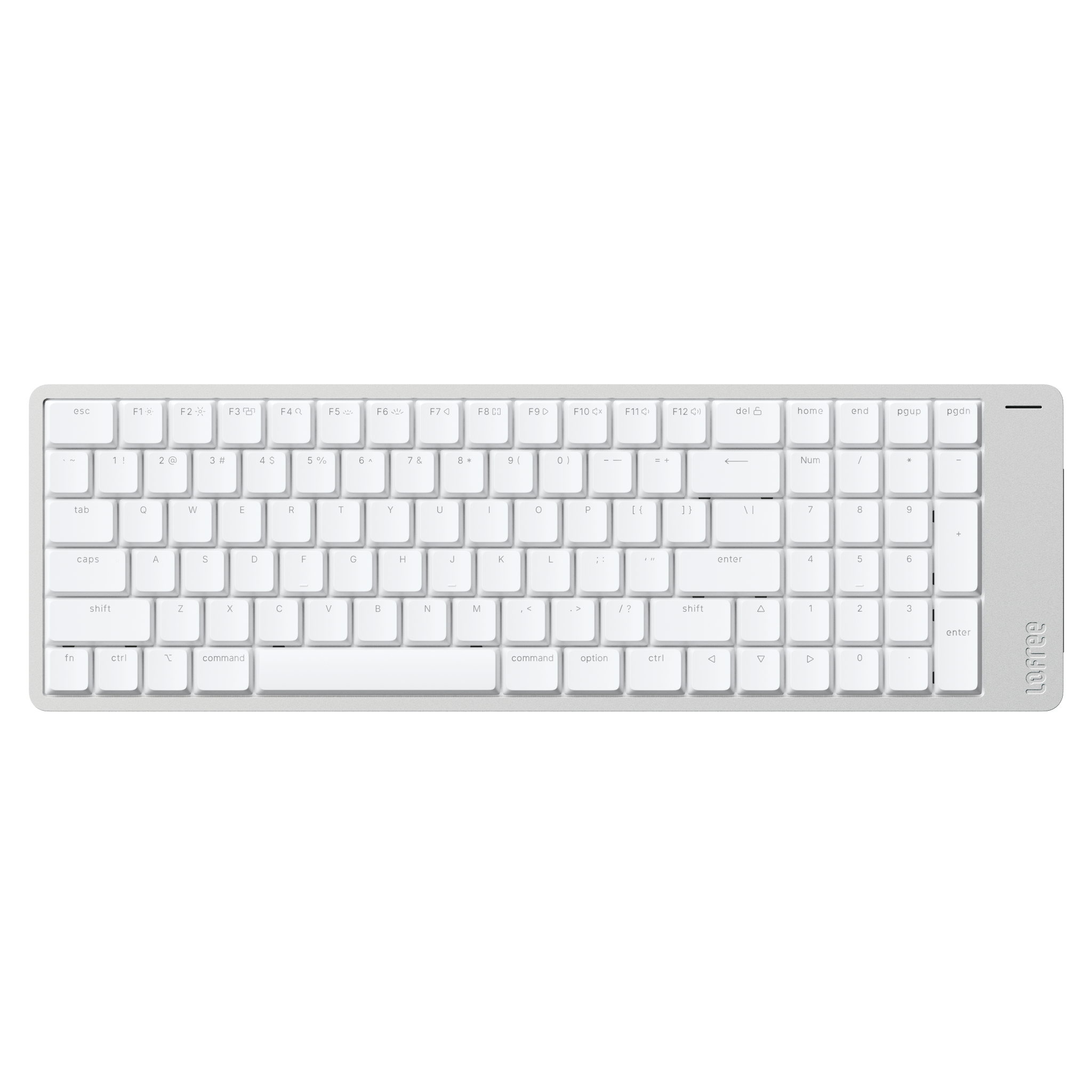
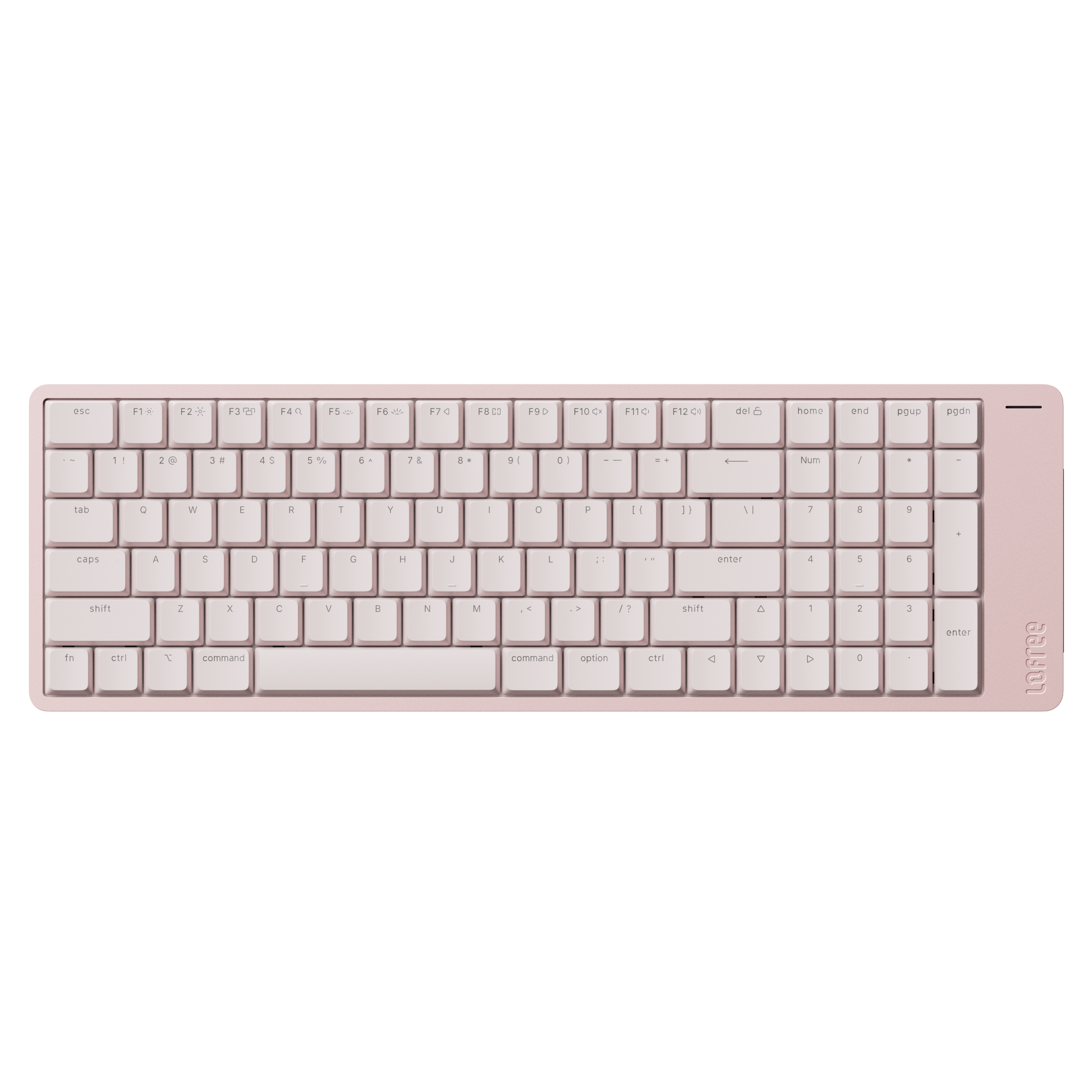
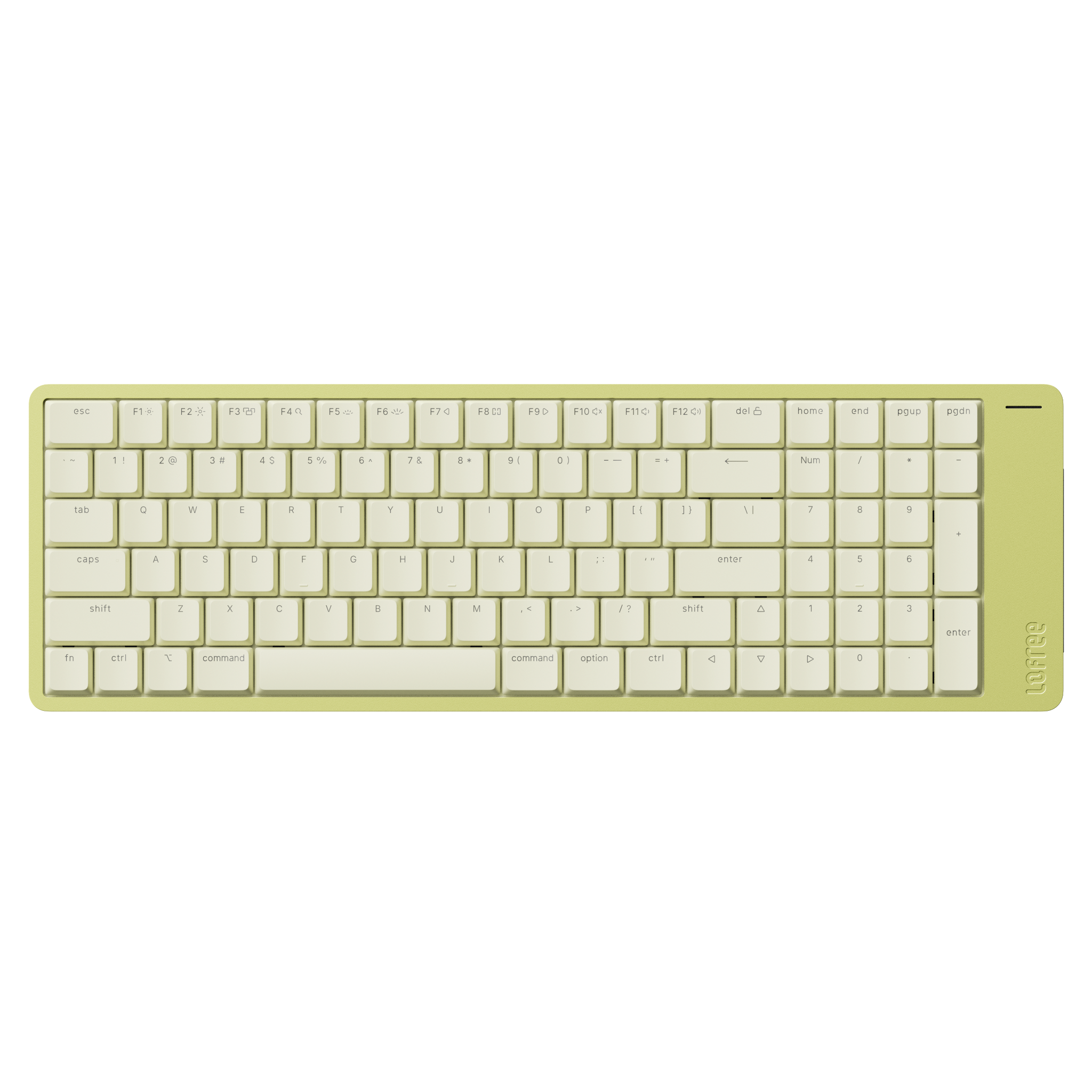
Choose options
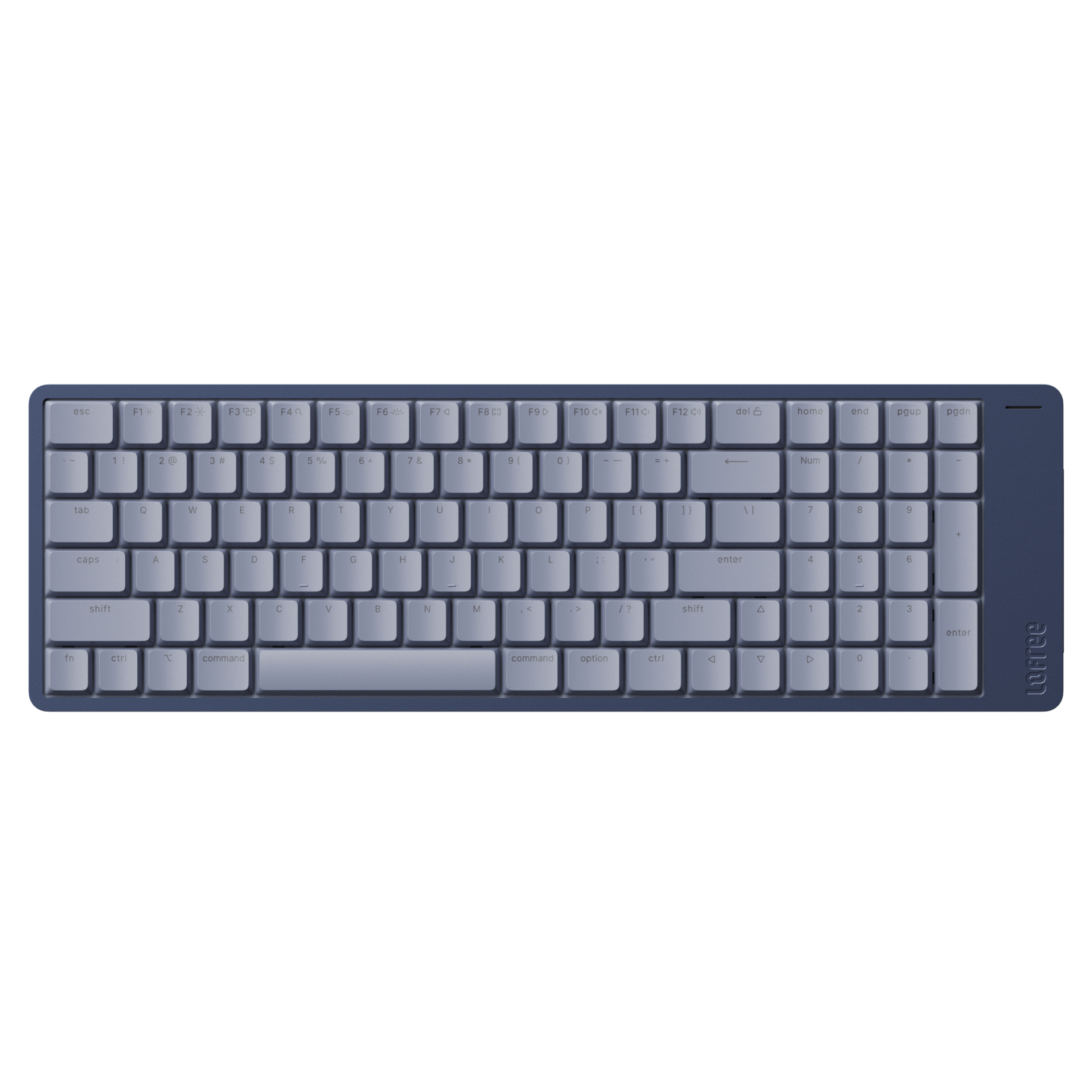
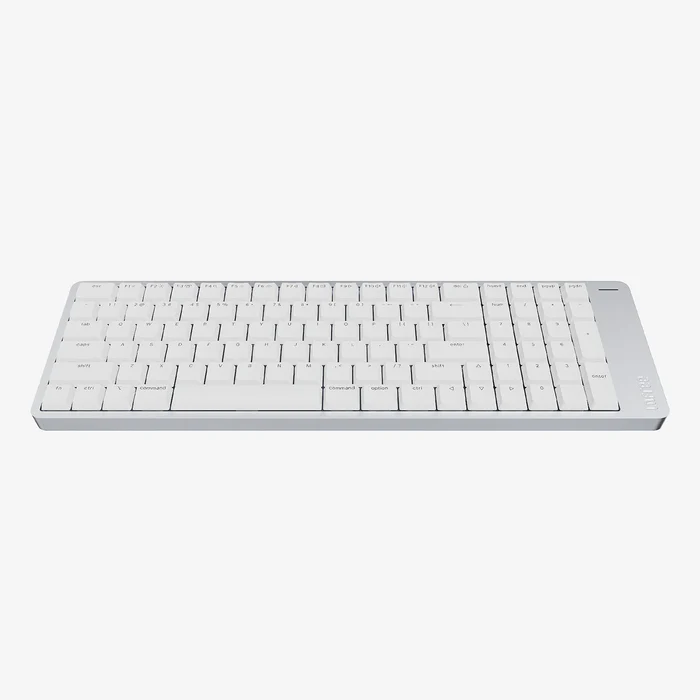
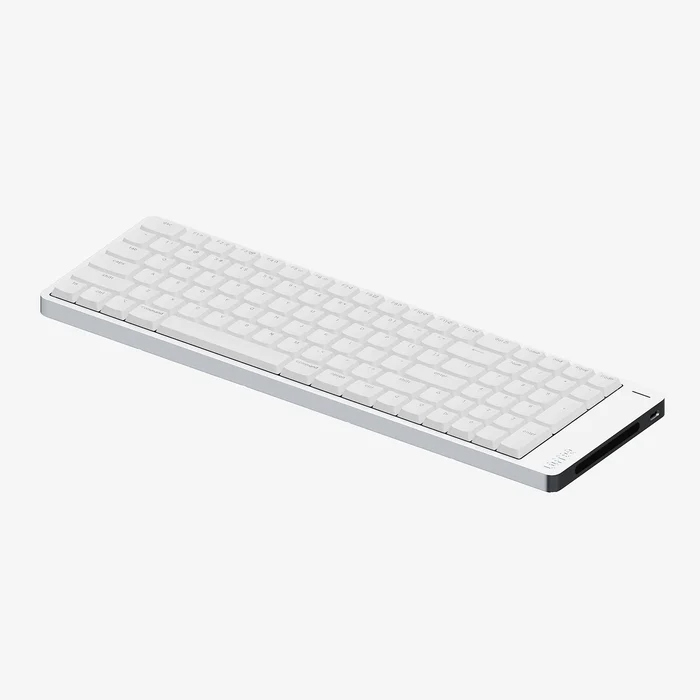
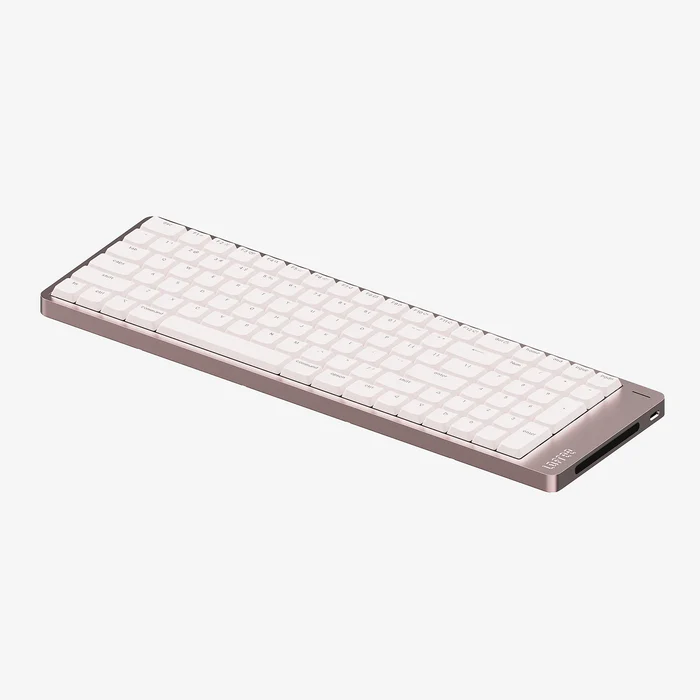
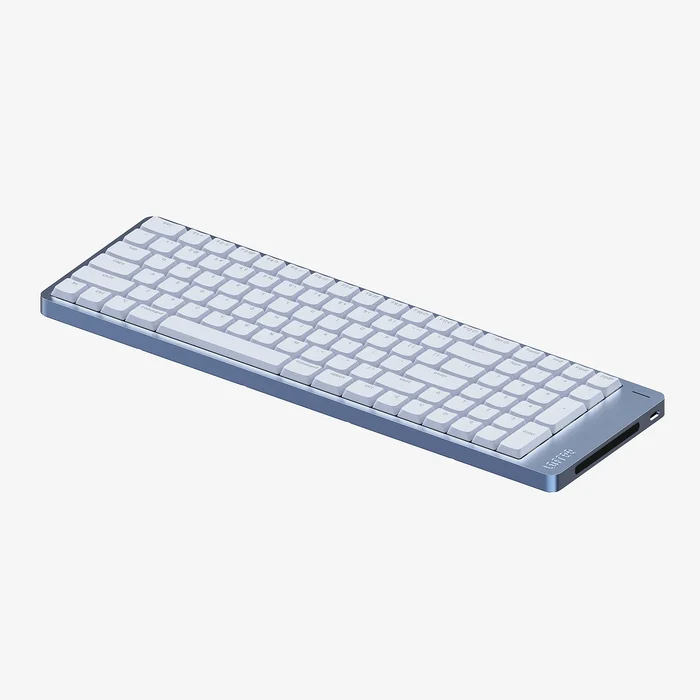
Discover our low-profile mechanical keyboard designed for Mac, featuring a vibrant spectrum of colors to flawlessly match your entire Apple ecosystem.
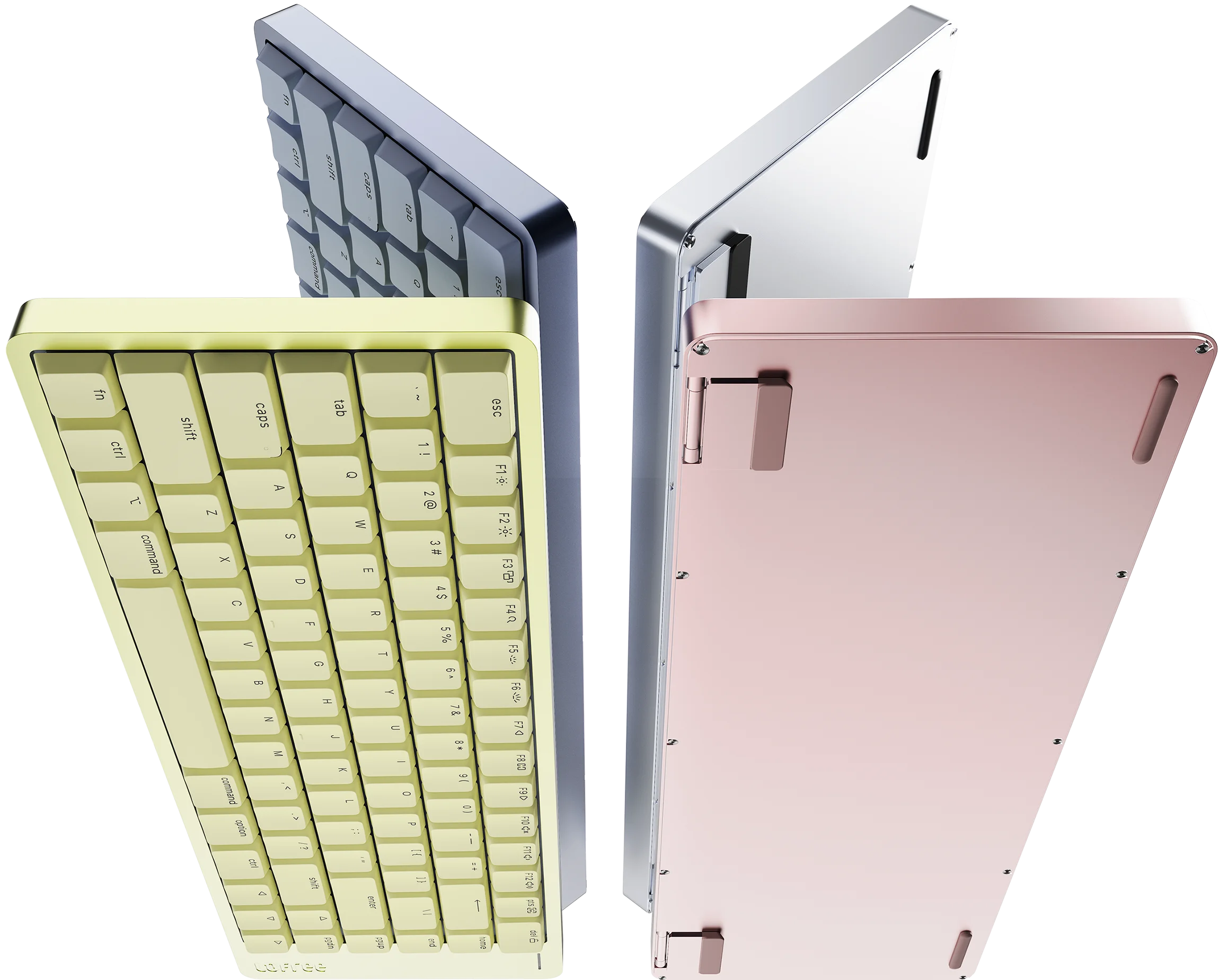
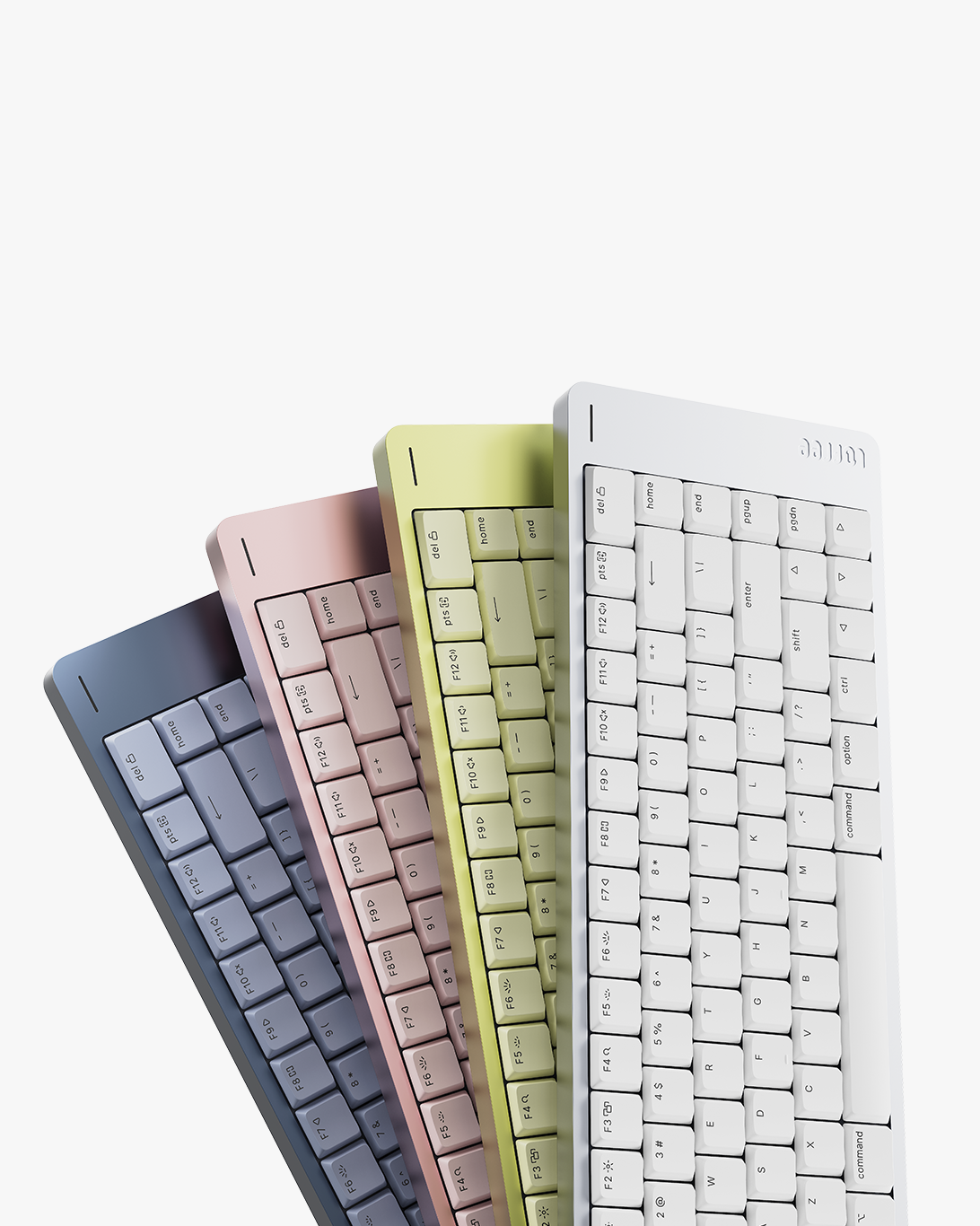 Four stunning finishes.
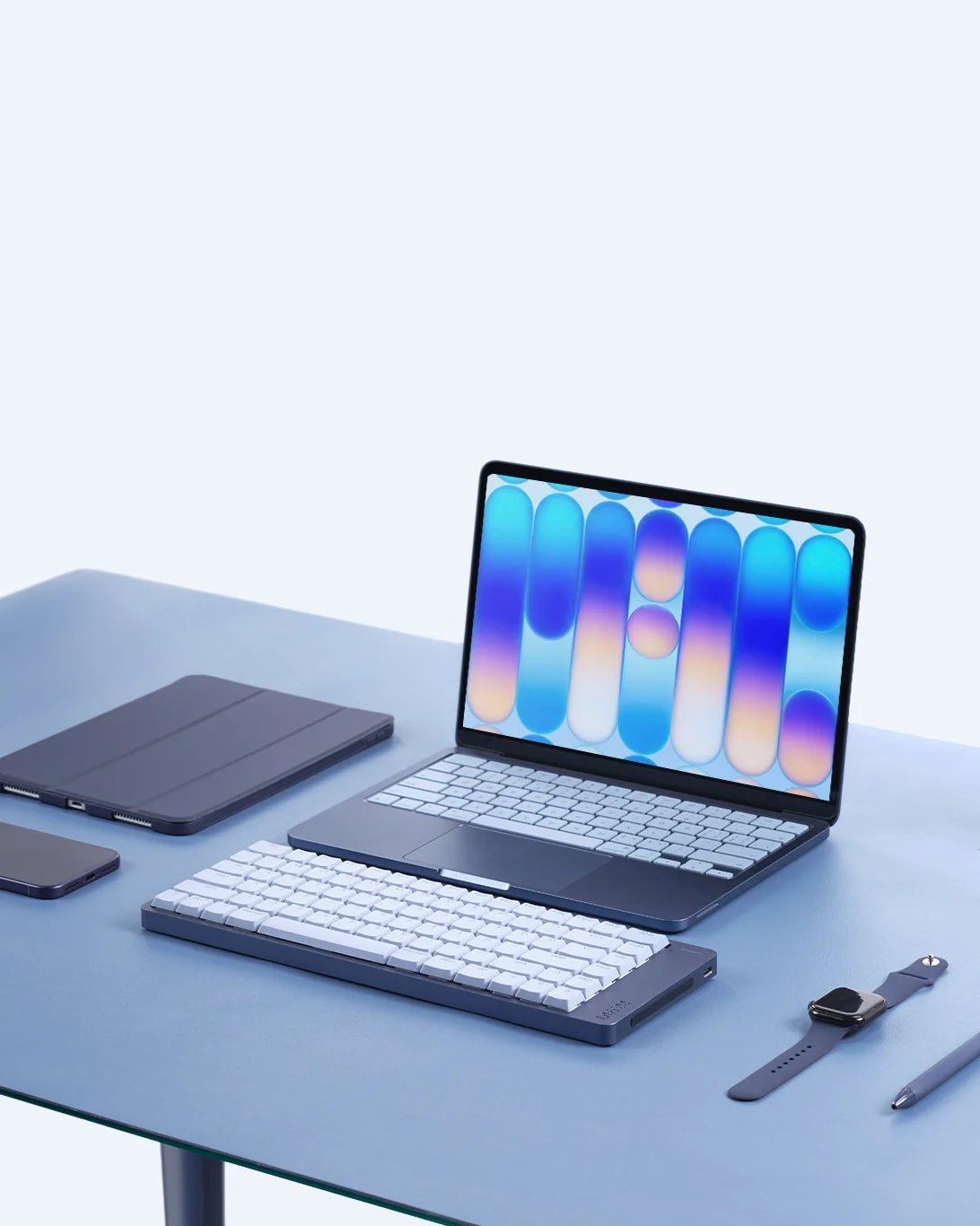 Pure minimalism.
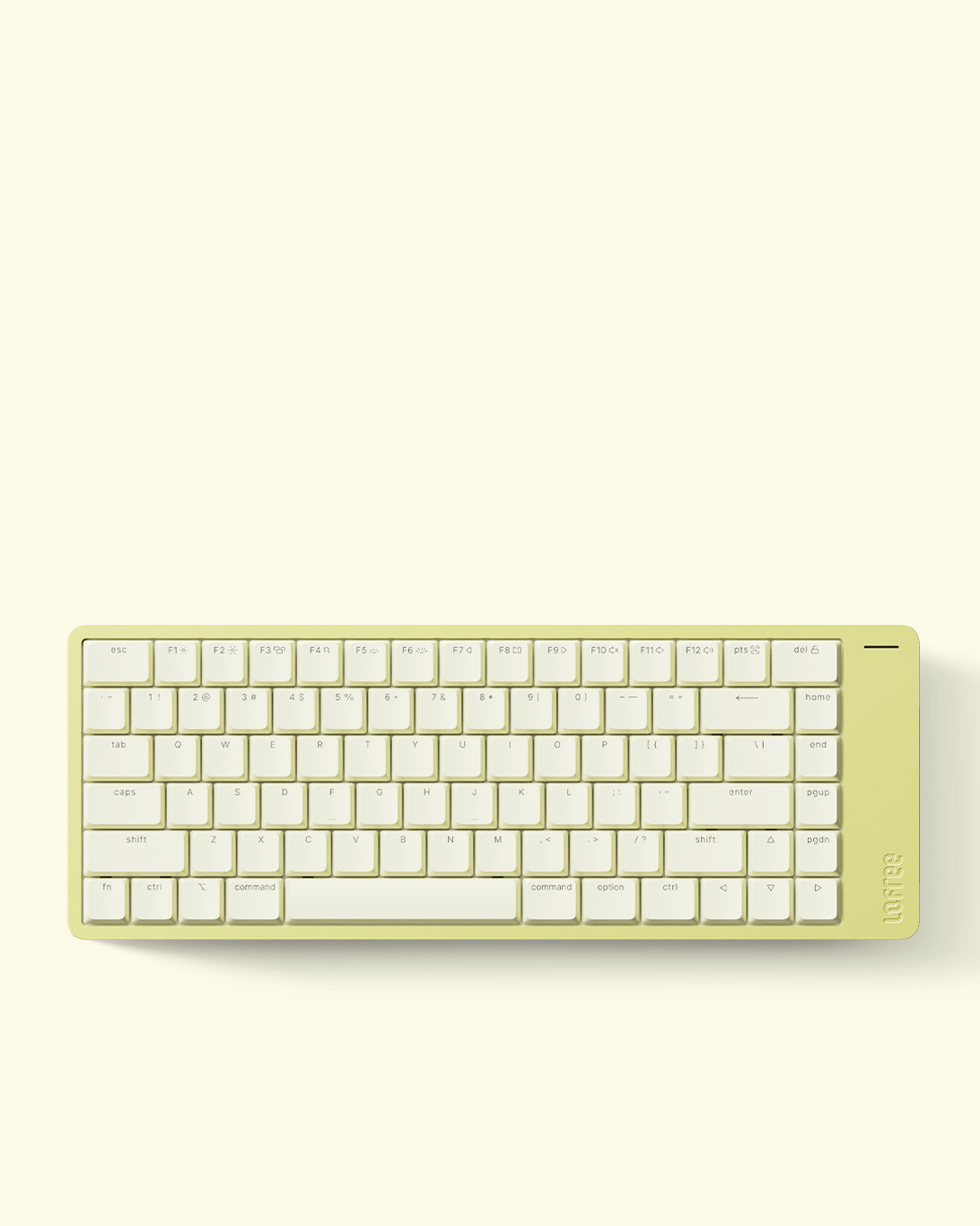 Native Mac layout.
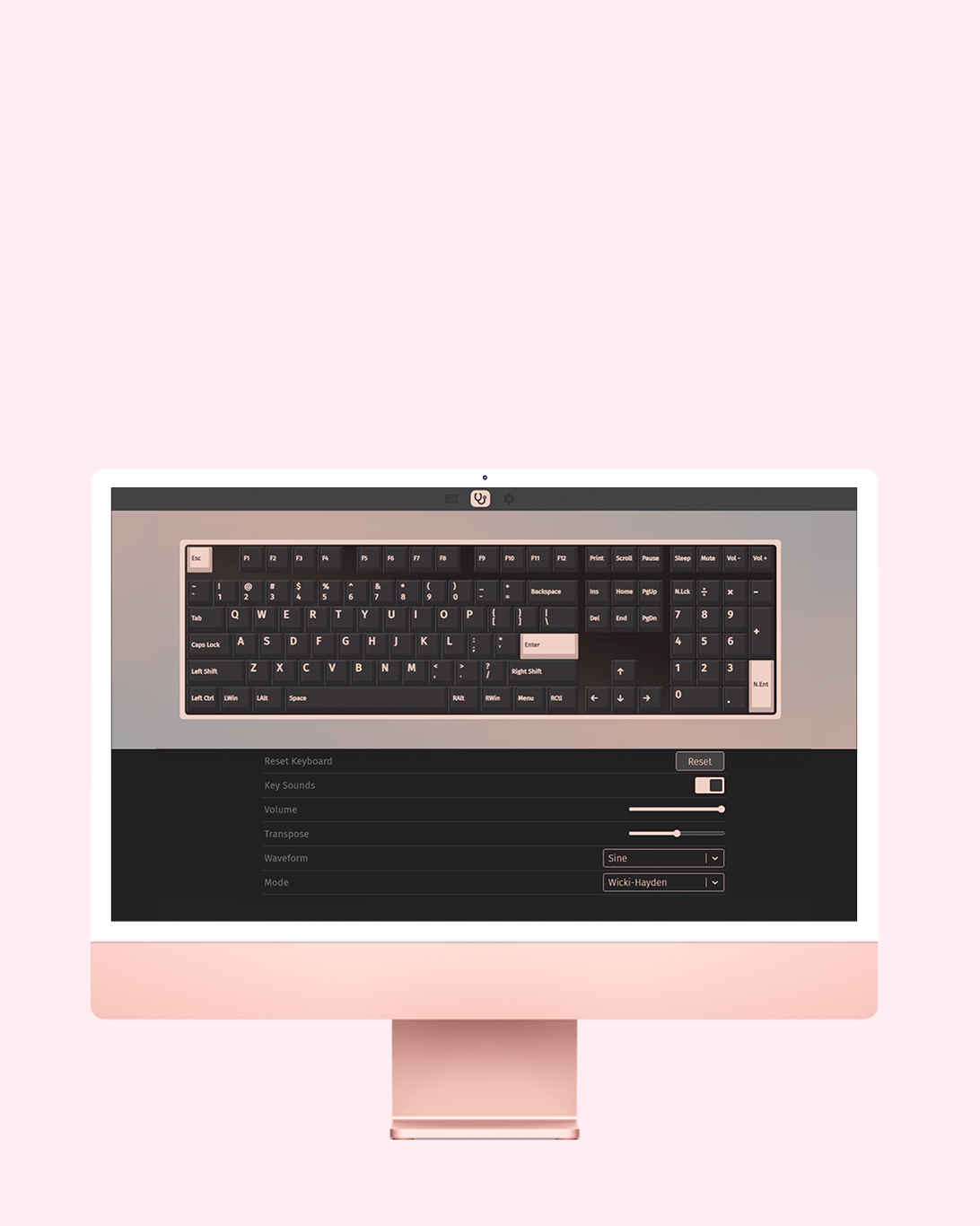 Your Keyboard, Your Rules.
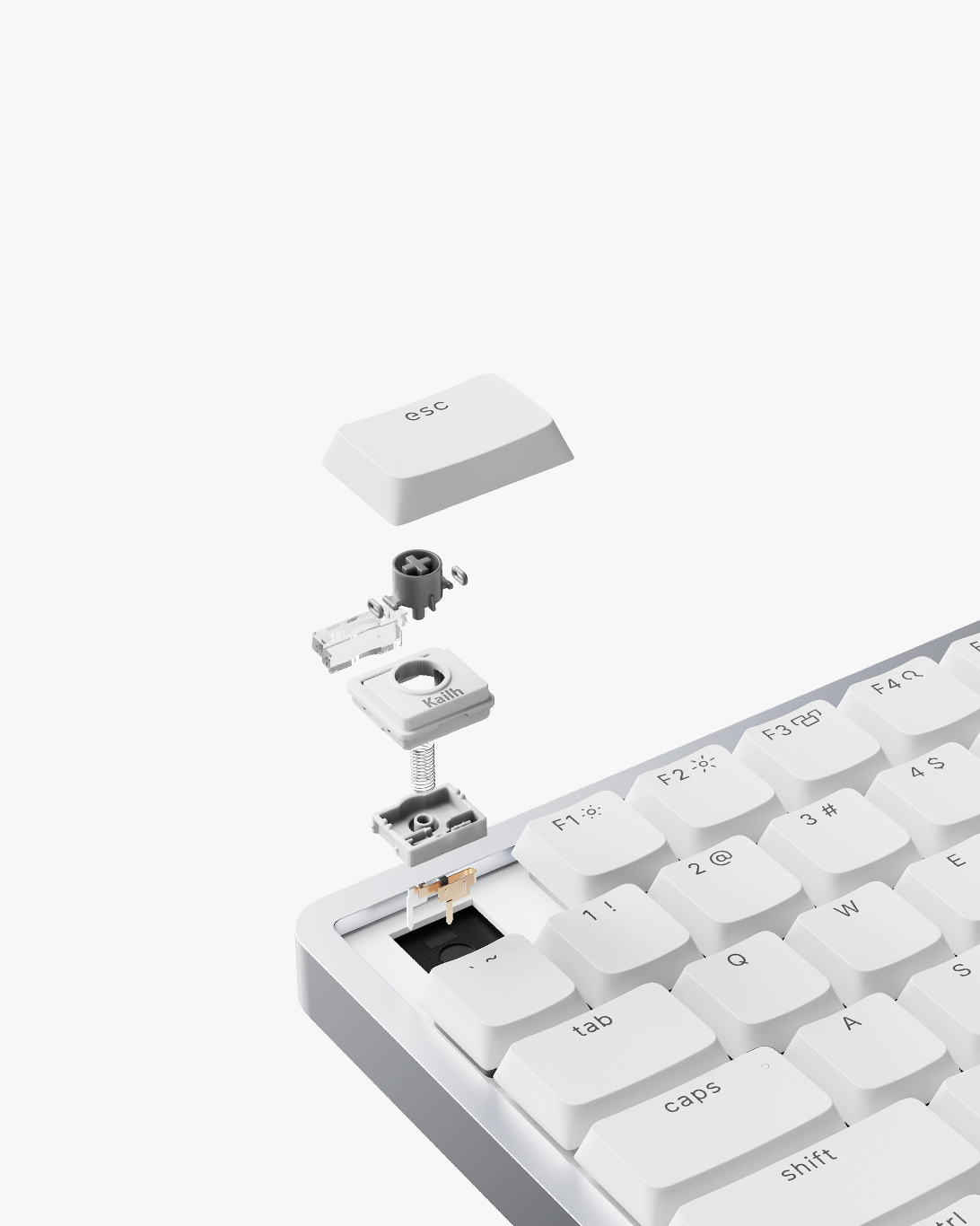 Cloud Surfer switches.
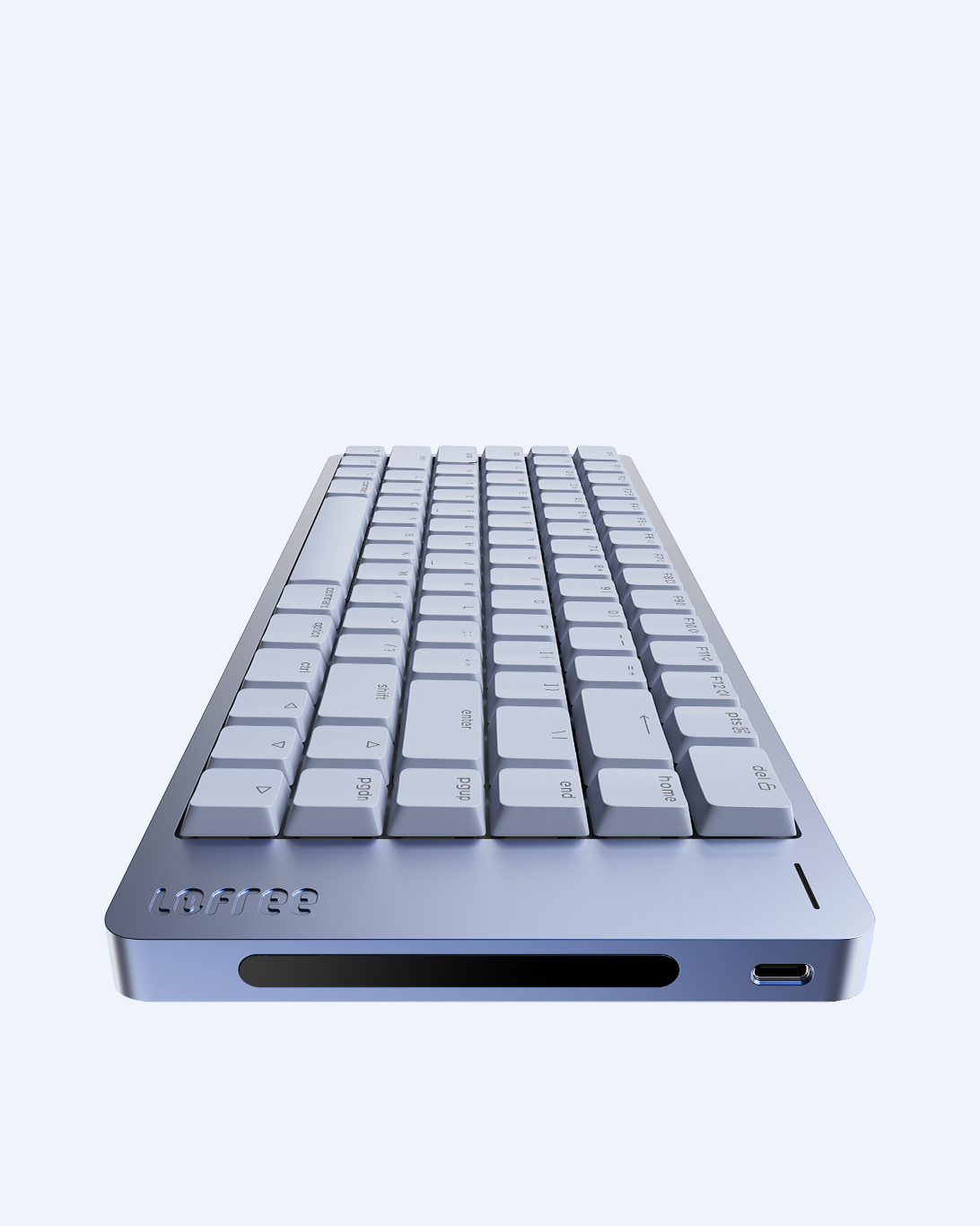 Swipe to Adjust.
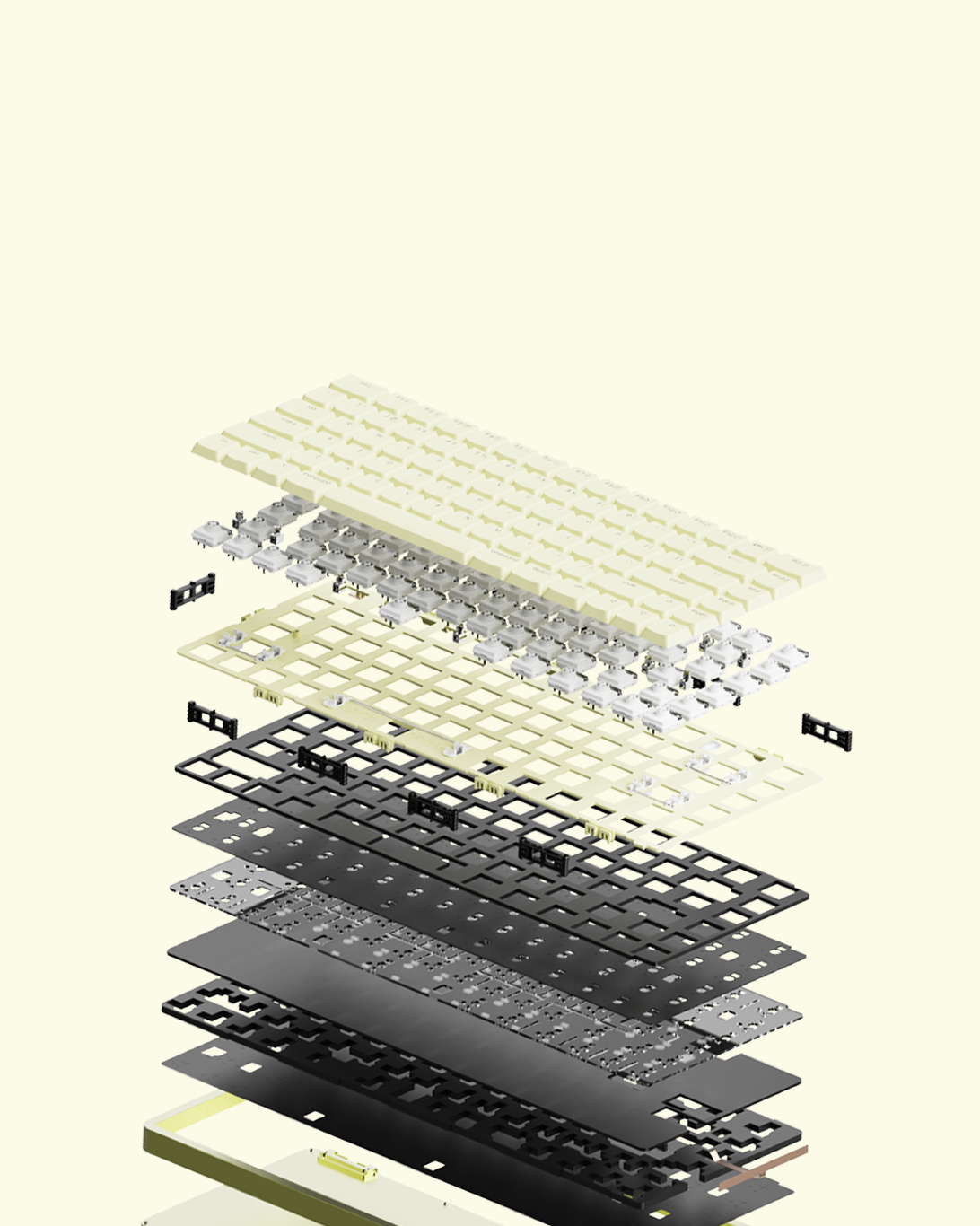 Gasket mount.
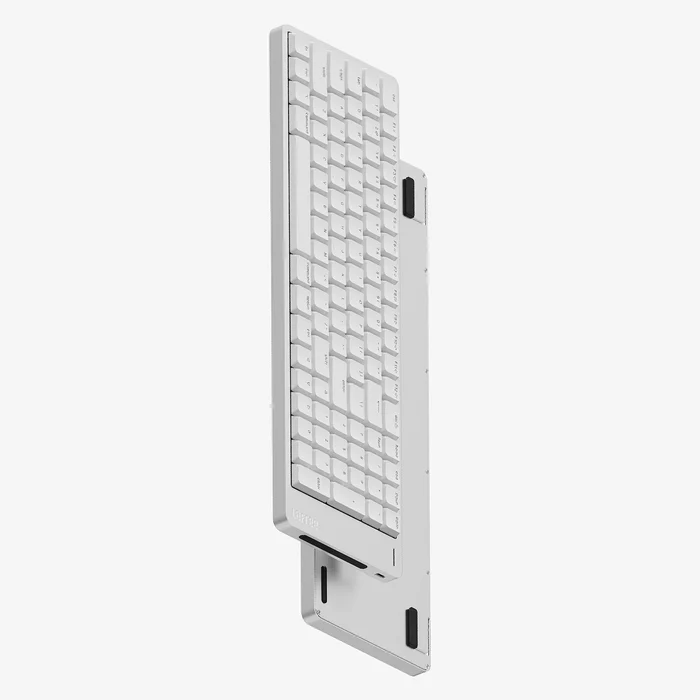
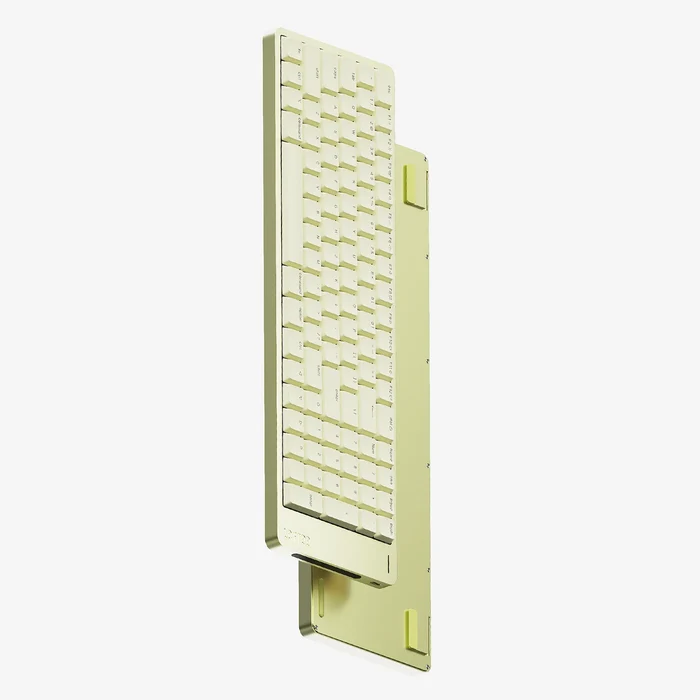
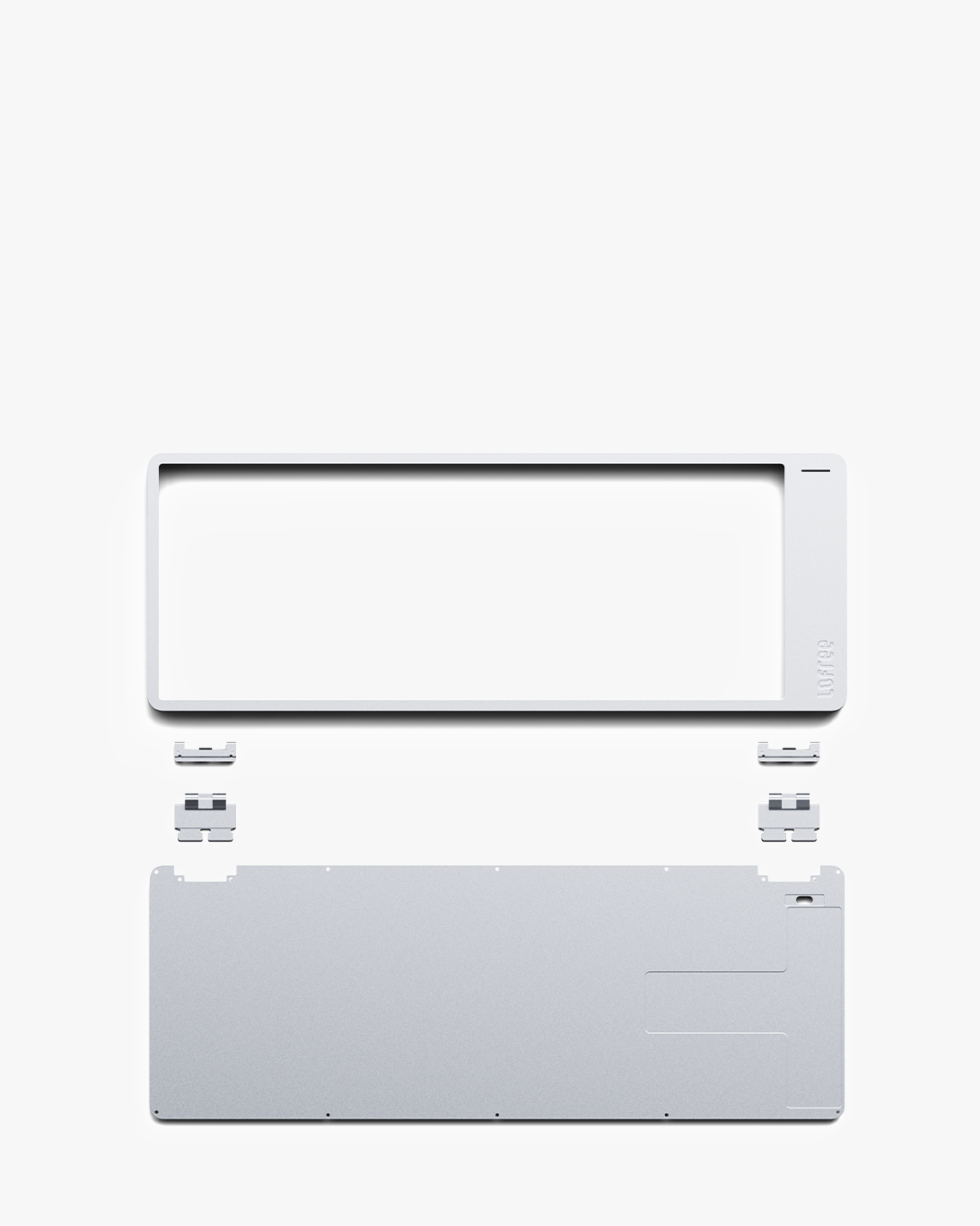 Solid aluminum.
DESIGN
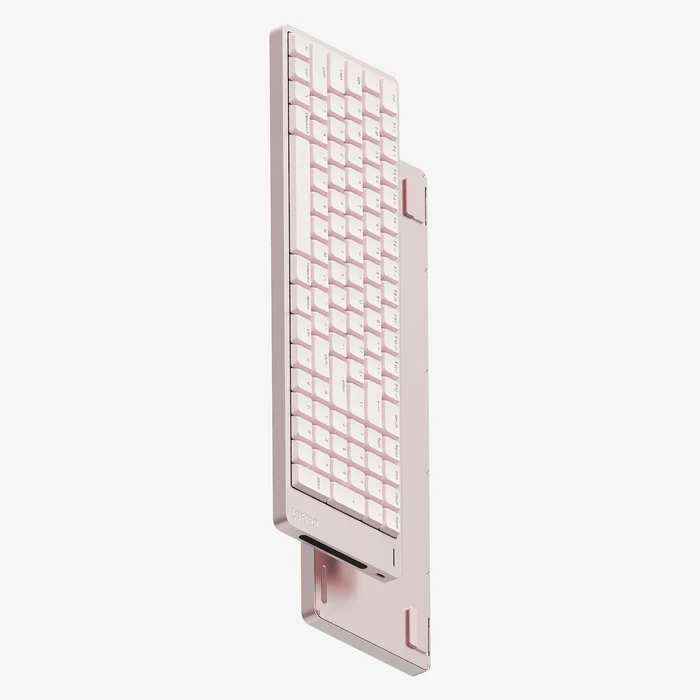
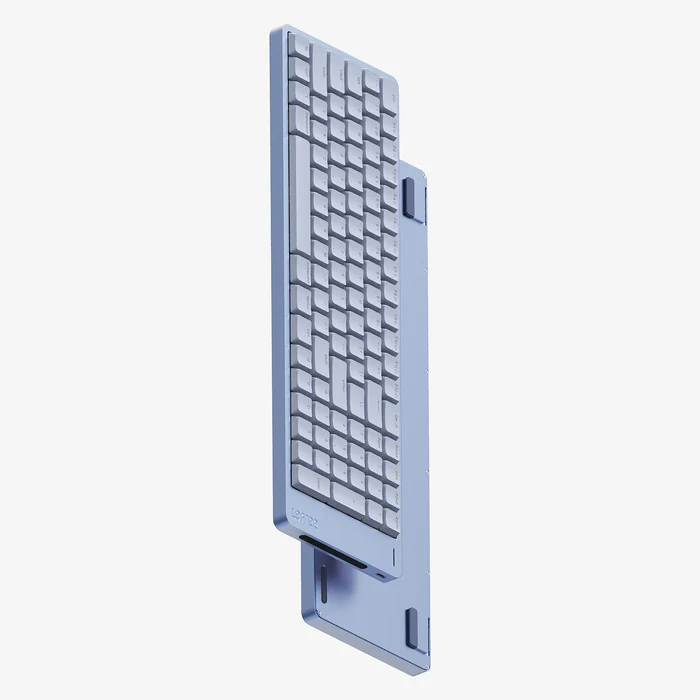
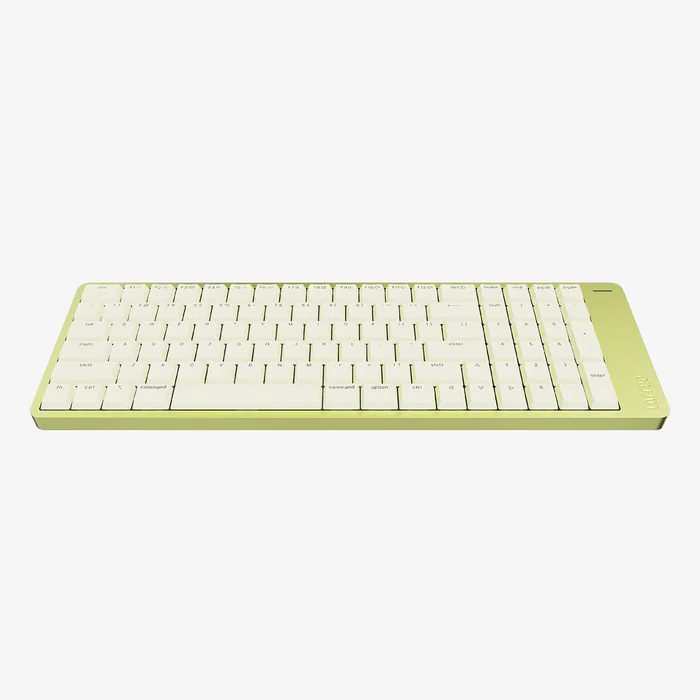
Available in Nebula, Petal, Volt, and Silver. We brought a vibrant new palette to Flow 2, giving you the ultimate freedom to match your exact aesthetic. It’s designed to stand out, or blend beautifully in.
Read the Design Story
LAYOUT
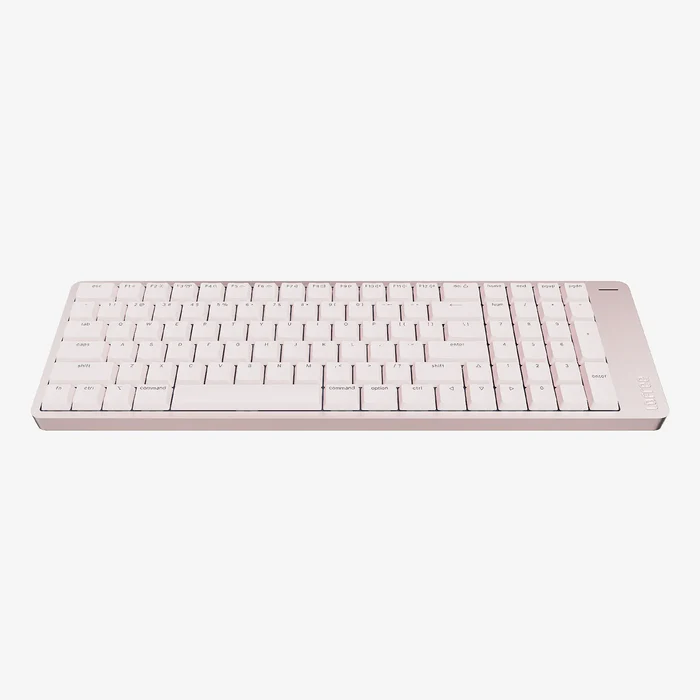
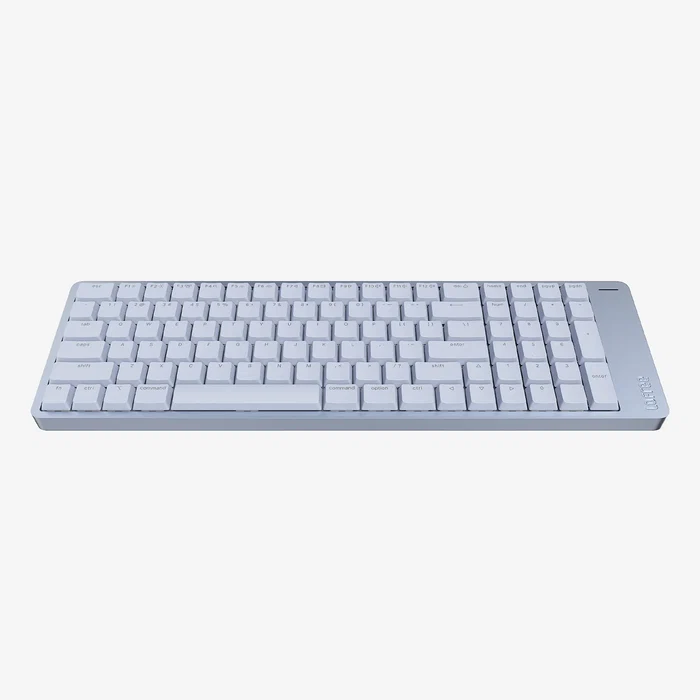
Flow 2 for Mac physically replicates the exact architecture of your MacBook keyboard, offering an uninterrupted transition with zero learning curve. The lower row preserves the precise Fn/Globe, Control, Option, and Command sequence you know by heart, while every detail is engineered to feel inherently familiar.


FIRMWARE
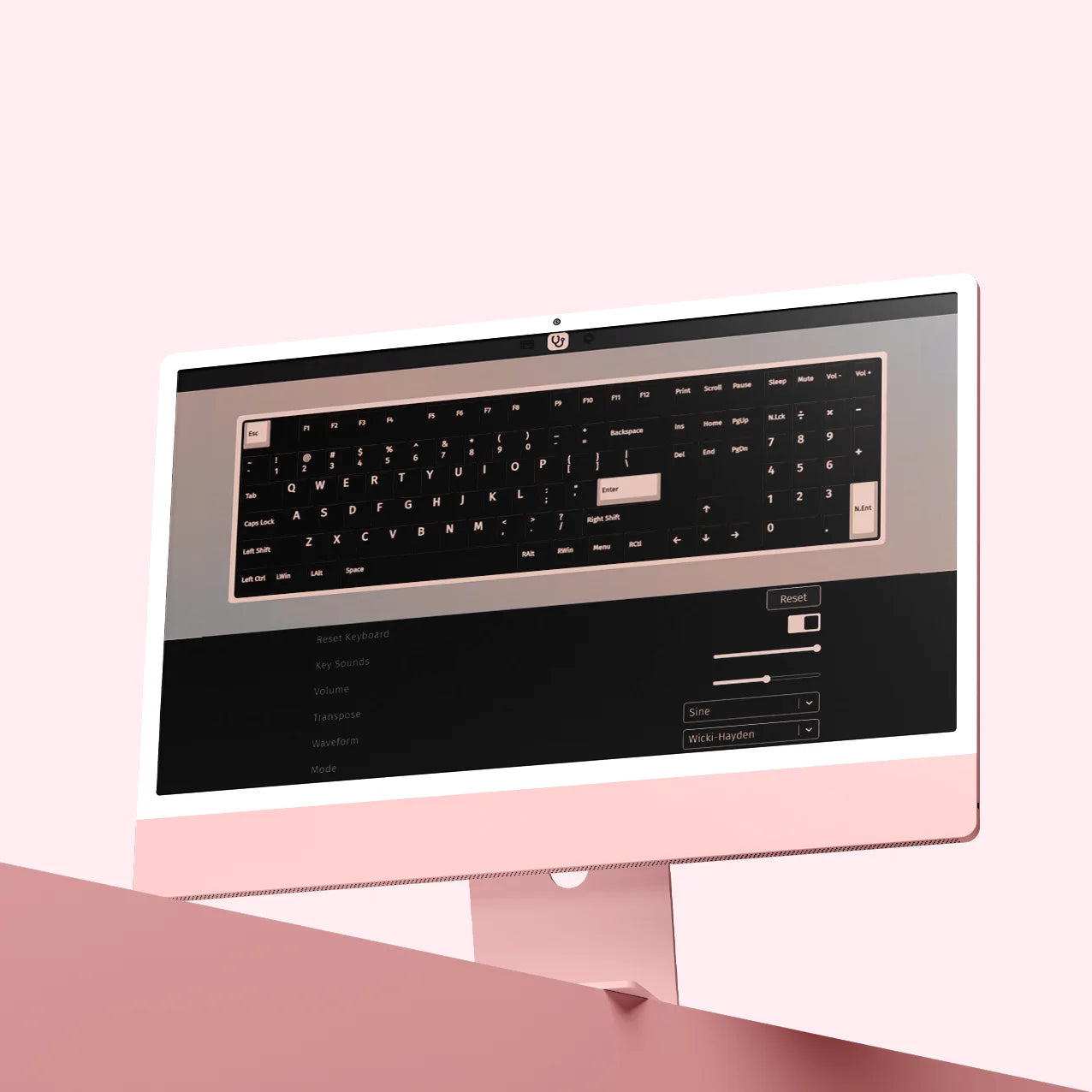
With full VIA support, Flow 2 is completely customizable. Reassign keys, set up advanced macros, and fine-tune the keyboard layout without needing to install extra software. It adapts to your workflow, not the other way around.
SWITCHES
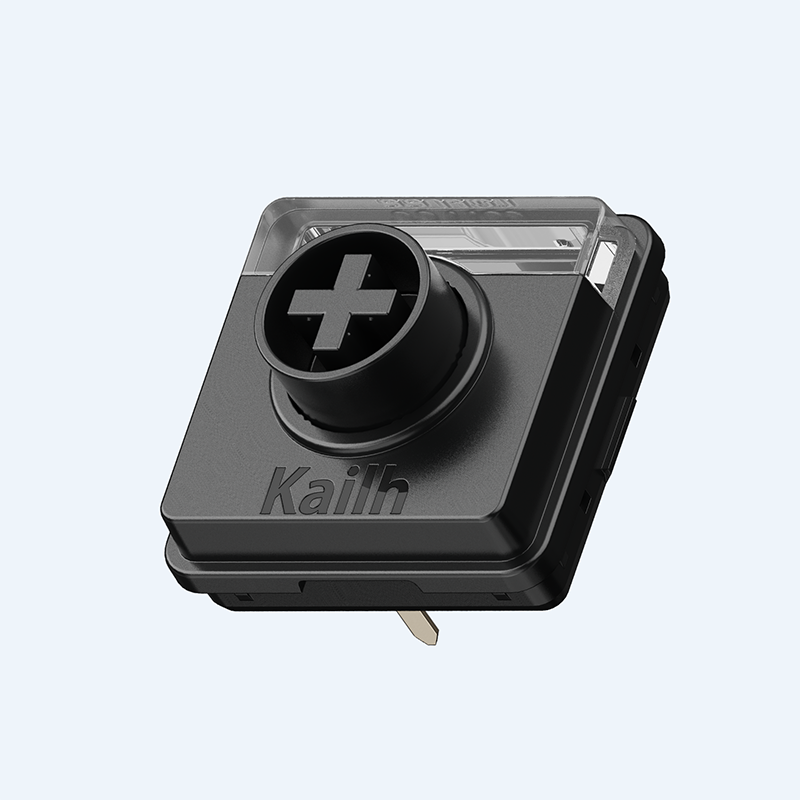
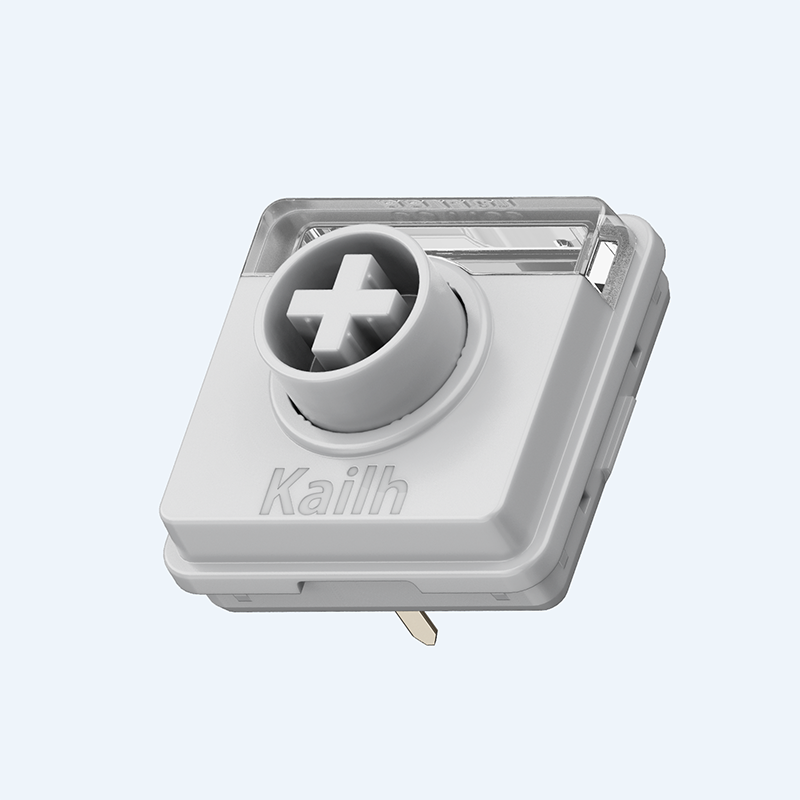
Meet the Cloud Surfer switches, our signature full-POM switch pre-installed on Flow 2 for Mac. It’s incredibly smooth and engineered to feel better over time. Two additional Cloud series profiles are available separately.

Crisp linear, rapid response, perfect when you want zero distractions and total concentration.
A firm, rhythmic press with a satisfying bump. Great for those who type with intent.
Silent linear, firm feedback, ideal for late-night writing, focused coding, or shared workspaces.
Flow 2’s redesigned switch structure features enlarged light windows, over 3.2× bigger than the previous generation, for brighter, more even backlighting. Every legend remains clear and crisp.

 CLOUD SERIESPREVIOUS GENERATION
TOUCH BAR
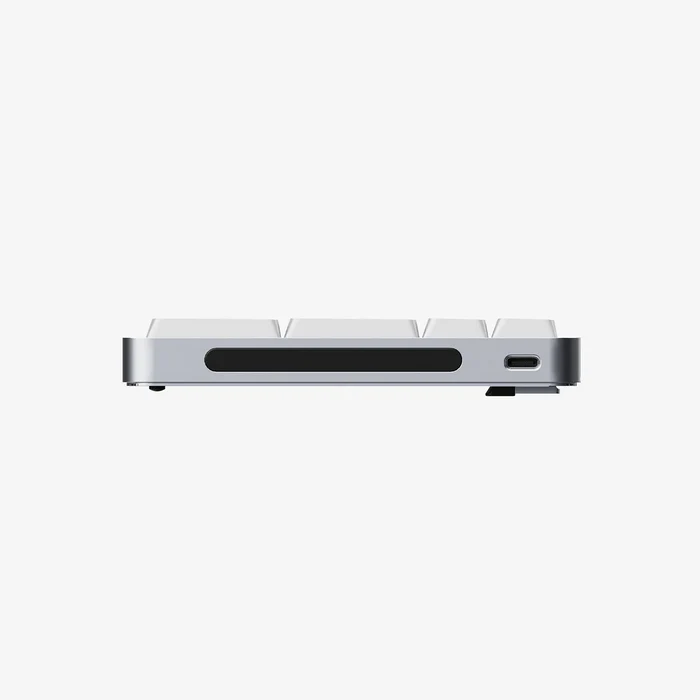
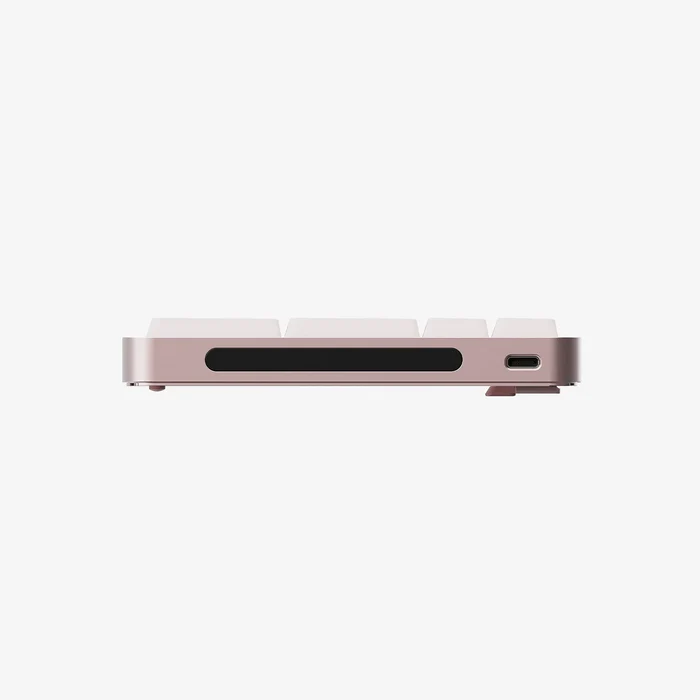
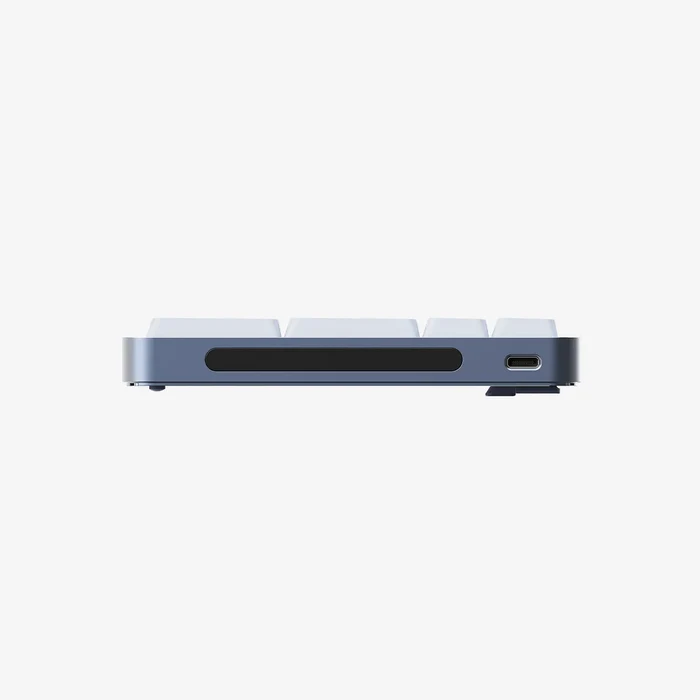
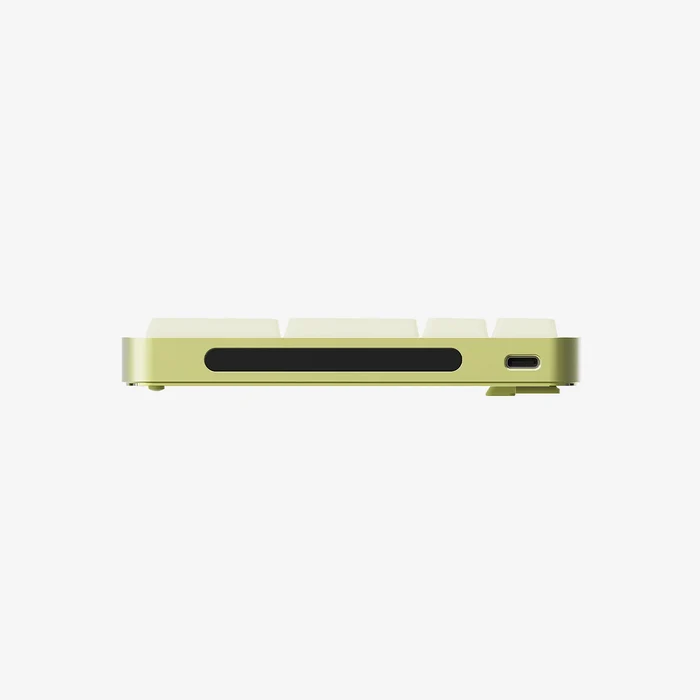
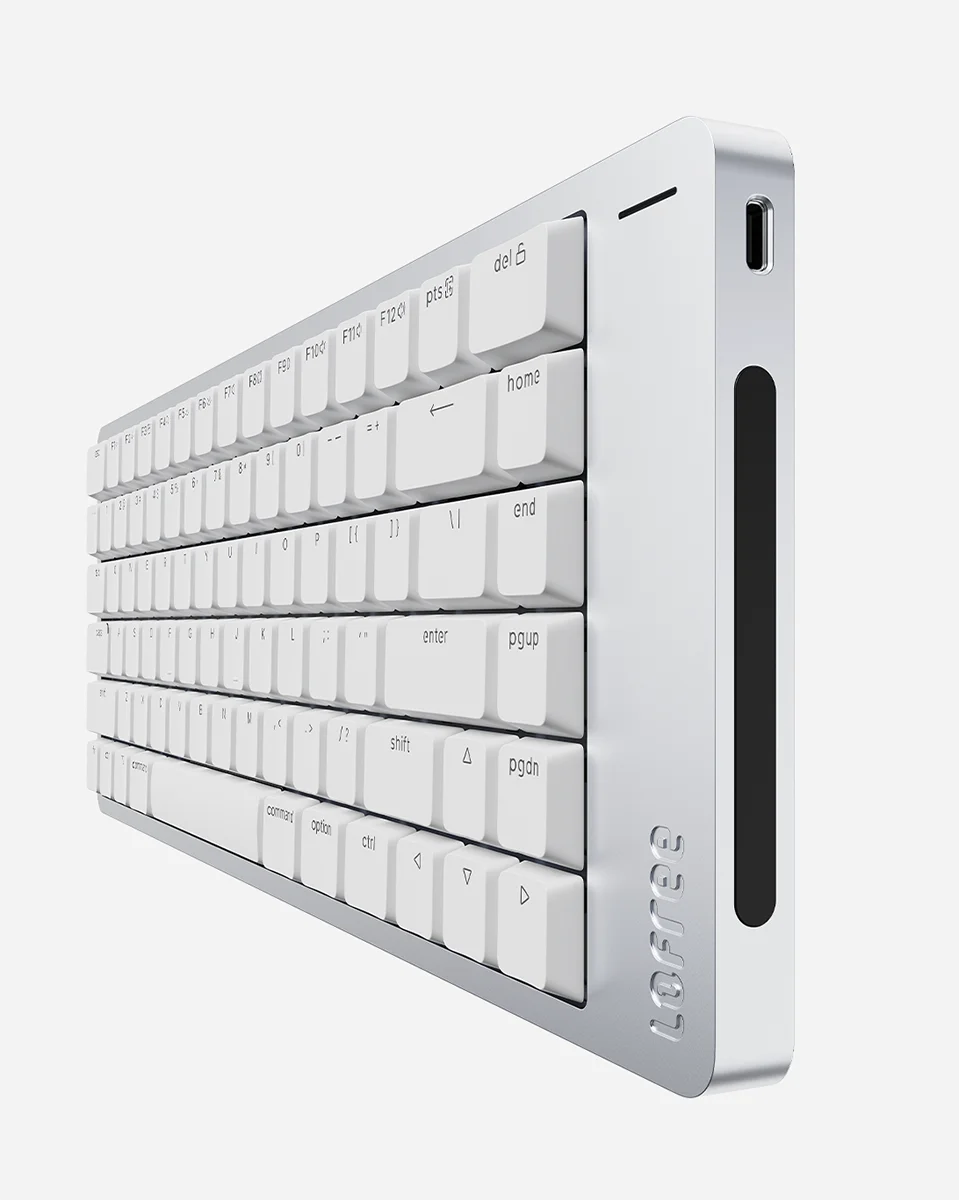
A built-in capacitive touch bar on the side provides an elegant and intuitive way to adjust volume and screen brightness with fluid gestures.
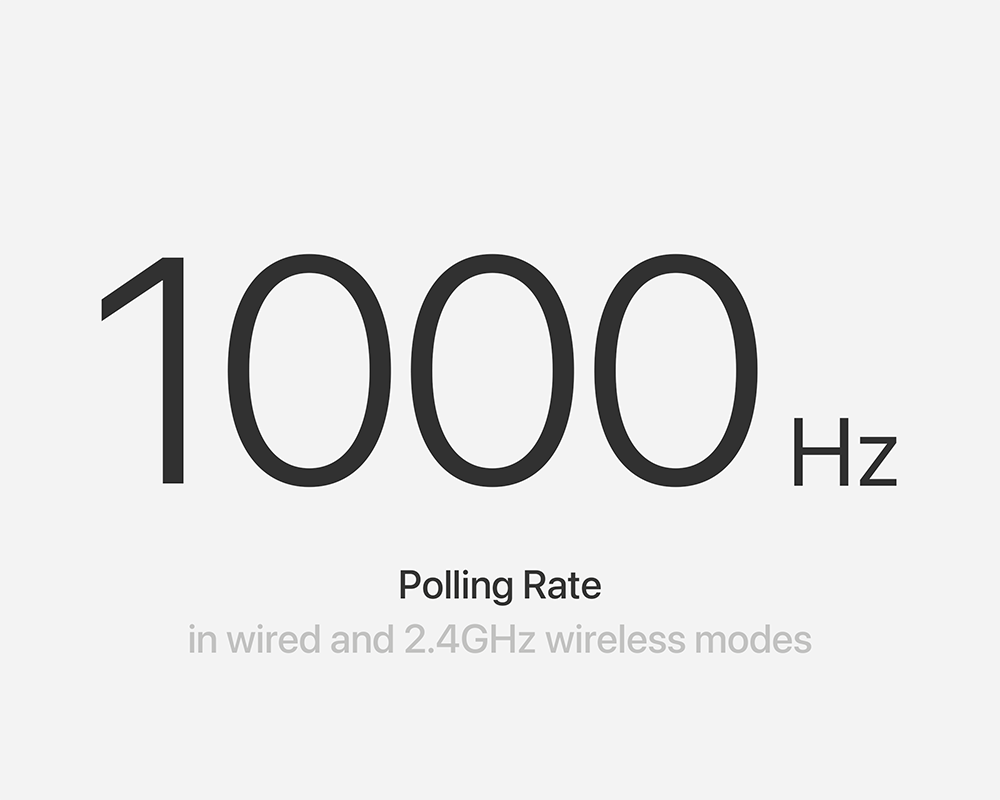
2.4GHz and USB-C connections offer polling rates up to 1000Hz / 1ms for fluid performance with virtually zero input lag.
Connect by USB-C, Bluetooth 5.3, or low-latency 2.4GHz wireless via the included USB receiver.
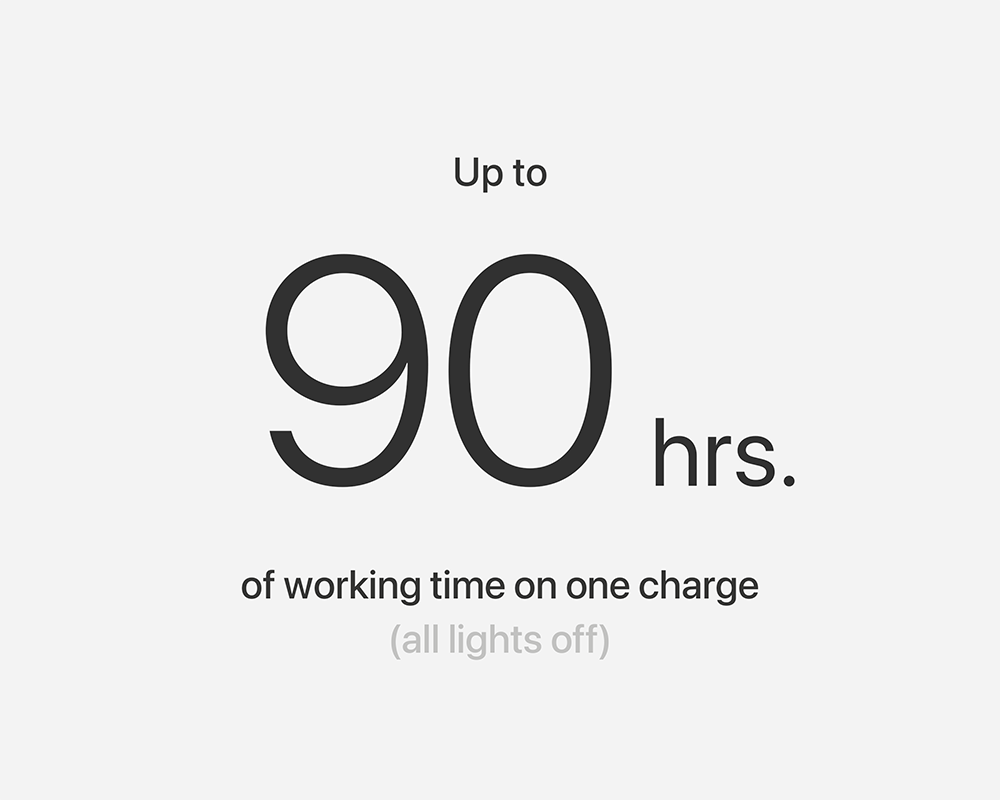
A 3,000mAh battery delivers up to 120 hours with lighting off, with convenient fast USB-C charging.
COMPARISON


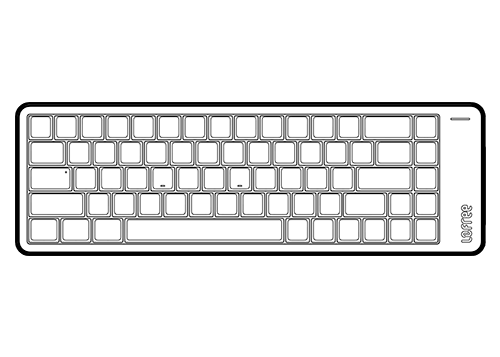
1 × Lofree Flow 2 100 Keyboard for Mac
1 × USB-C Cable
1 × 2.4G Receiver
1 × User Guide
Number of Keys: 100 (96%)
Type Angle: 0° or 7°
Backlight: White
Hot-swappable Support: Yes
Switch: Lofree × Kailh Cloud Series Surfer Switch
Dimensions: 398.2 × 126 × 21.5mm
Weight: 870g
Body: Aluminum
Keycaps: PBT + PC Double Shot
2.4GHz, Bluetooth 5.3 and USB-C Wired
Polling Rate (wired / 2.4GHz): 1000Hz
Compatible: Windows, Android, macOS, iPadOS, iOS
Wireless Range: 10 metres
Battery Capacity: 3,000mAh
Charging Port: USB-C
Charging Time: 3–4 hours
Working Time (lights off): Up to 120 hours
Working Time (lights on): Up to 17 hours
DOWNLOADS
For Windows — download the official configuration package.
Yes. It uses a native Mac layout with the familiar Fn/Globe, Control, Option and Command key sequence. It also works with Windows, Android, iPadOS and iOS.
Flow 2 supports Bluetooth 5.3, low-latency 2.4GHz wireless through the included receiver, and wired USB-C connectivity.
Yes. The keyboard supports VIA, allowing you to remap keys, create macros and customise layers. The Windows configurator is included in the Downloads section above.
Yes. It supports compatible Lofree Cloud Series low-profile switches, including Surfer, Pulse and Void profiles.
The 3,000mAh battery provides up to 120 hours with the backlight off and up to 17 hours with the backlight on. Charging takes approximately 3–4 hours via USB-C.