

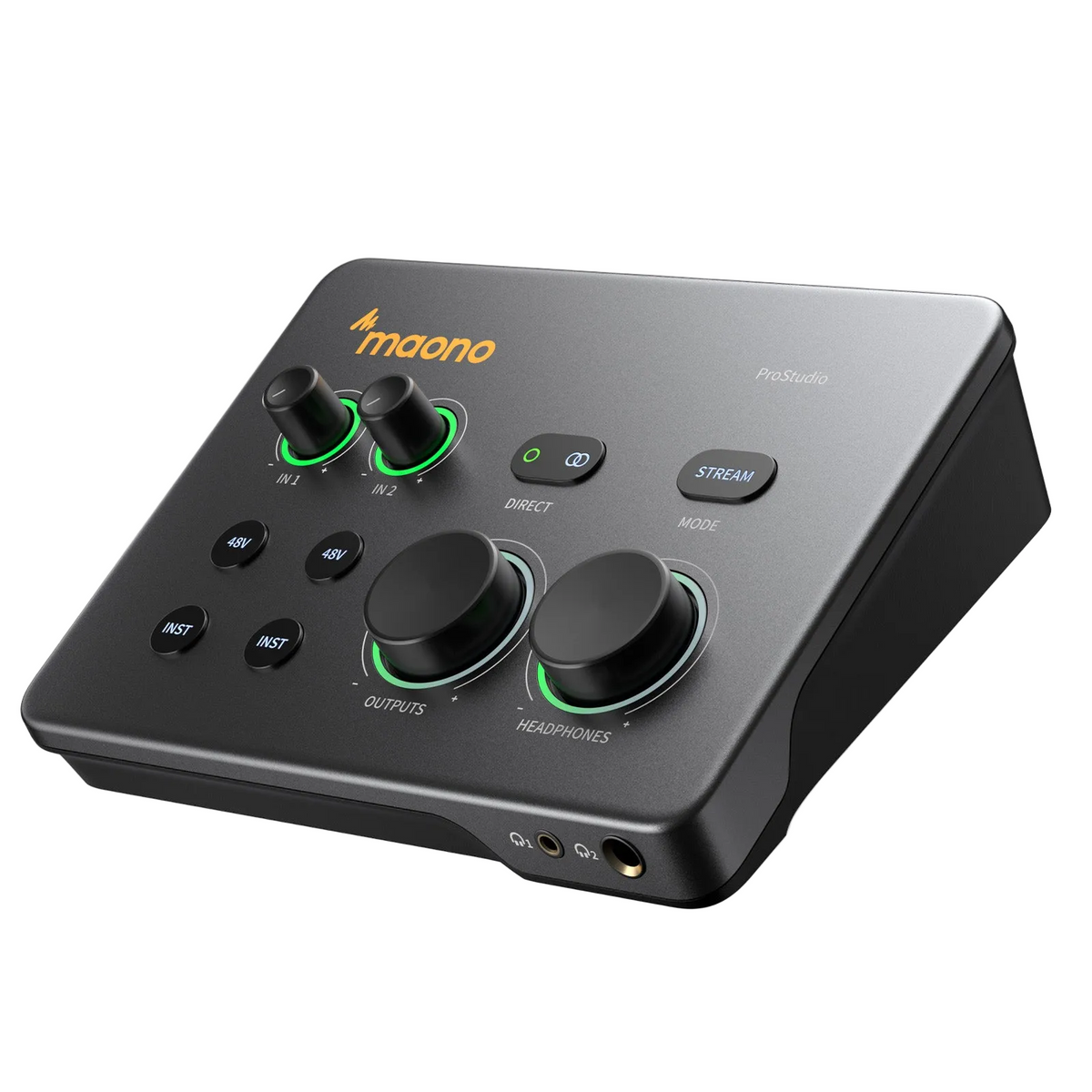
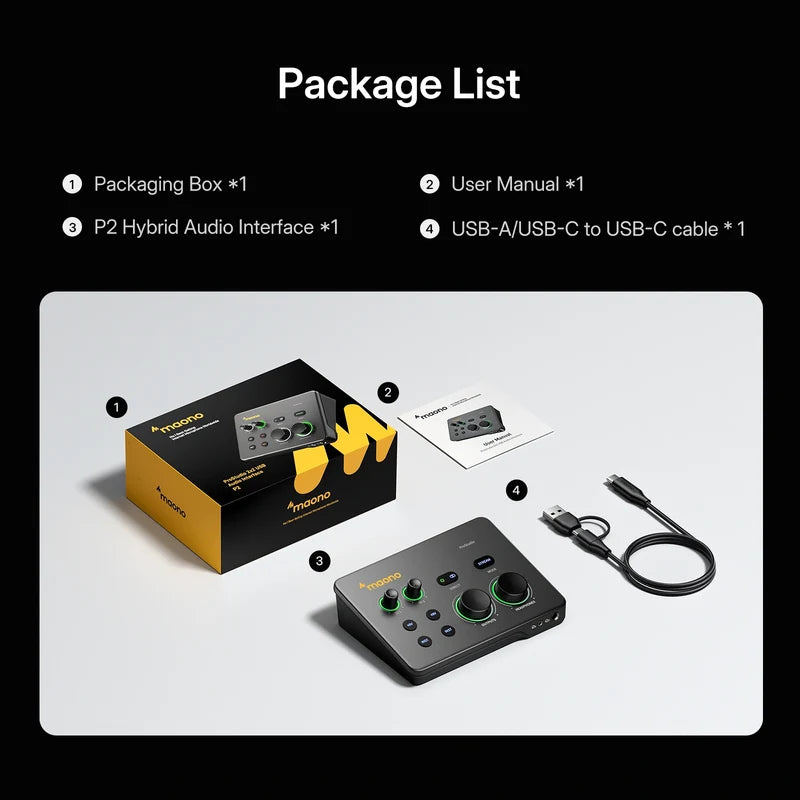

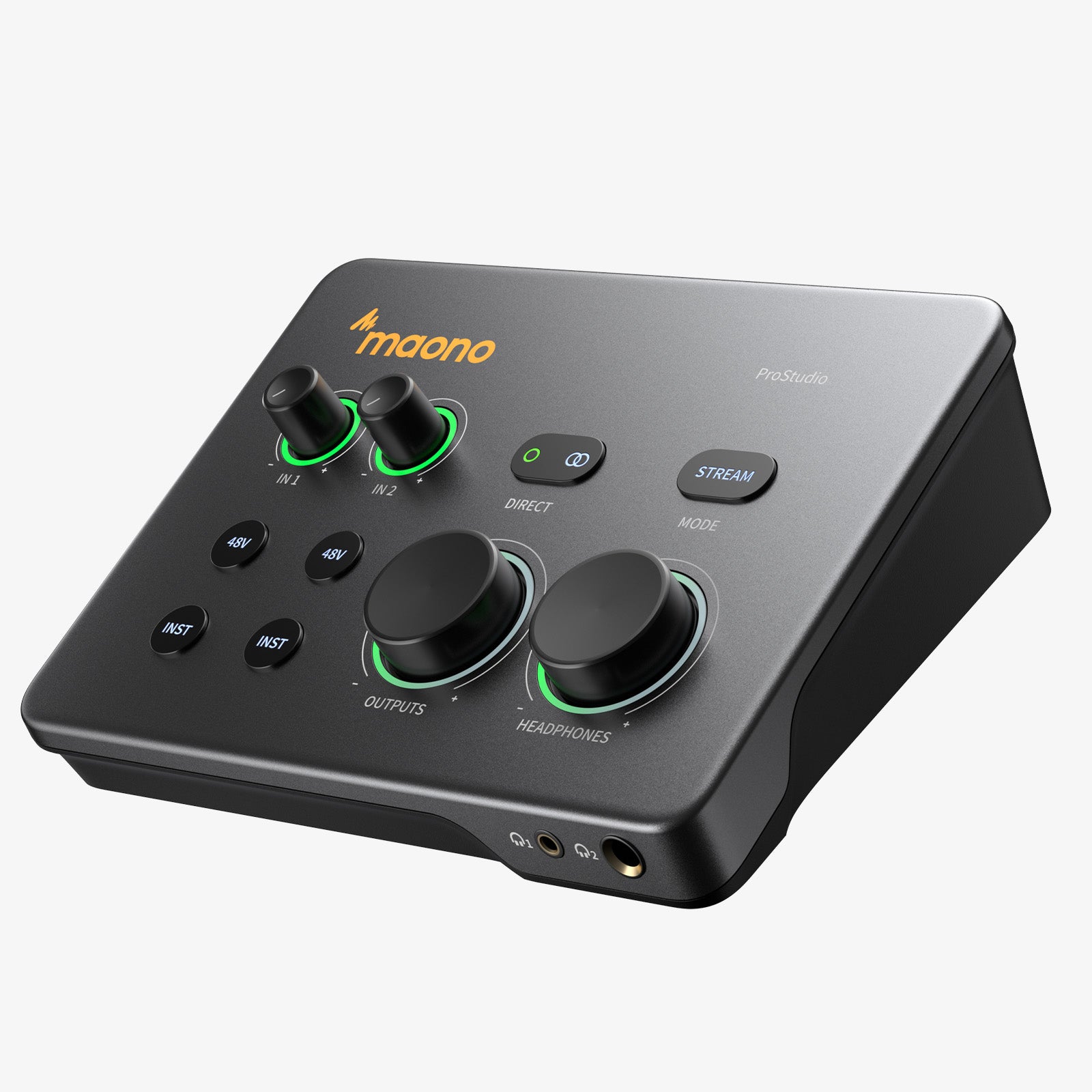
Maono P2 USB Hybrid Aluminium panel Audio Interface for Music Production, Streaming, Podcast
Ⅰ. Plug & Play, No More Adapters:
MFi-certified for direct USB-C connection to iPhone, iPad, and PC. Enjoy stable, low-latency audio across desktop and mobile setups—no extra adapters needed.
Ⅱ. Studio Purity in Every Detail:
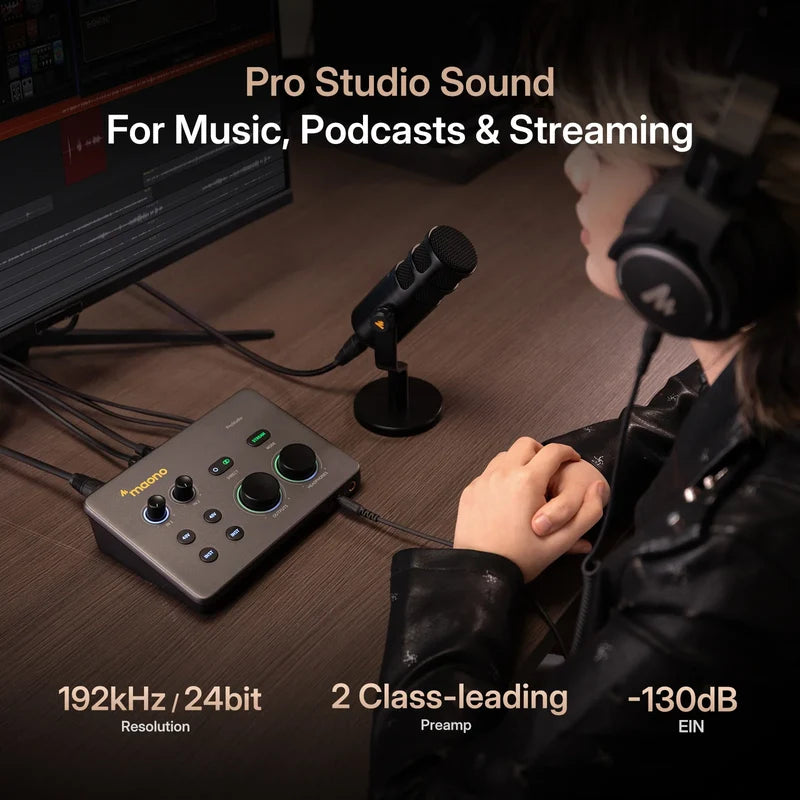
Up to 56dB of clean gain and 192kHz high-resolution audio capture every detail with clarity, from vocals and instruments to podcasts and live streams.
Ⅲ. Focus on Creating, Not Tweaking:
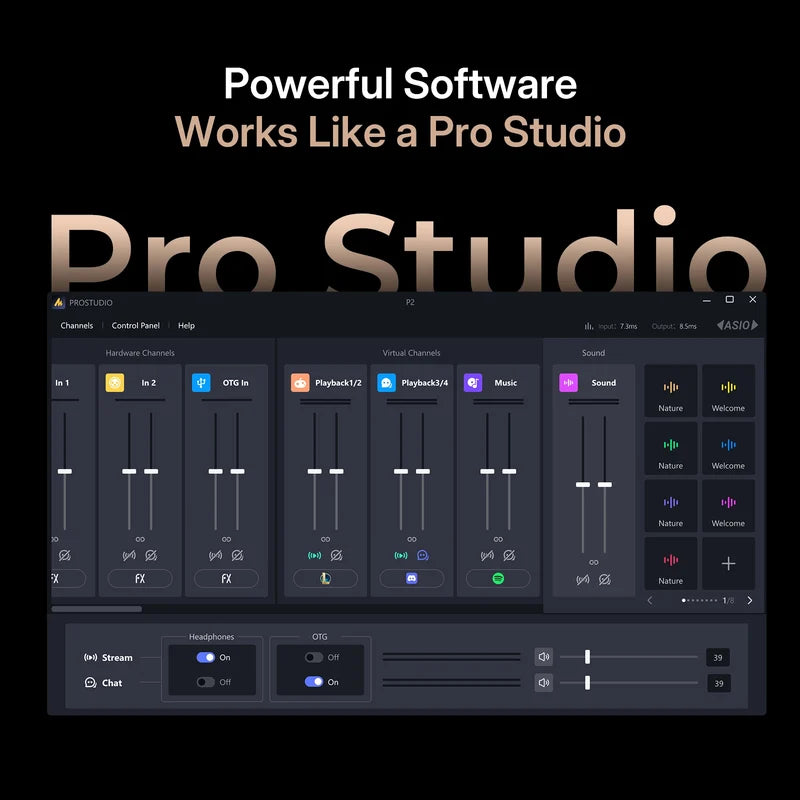
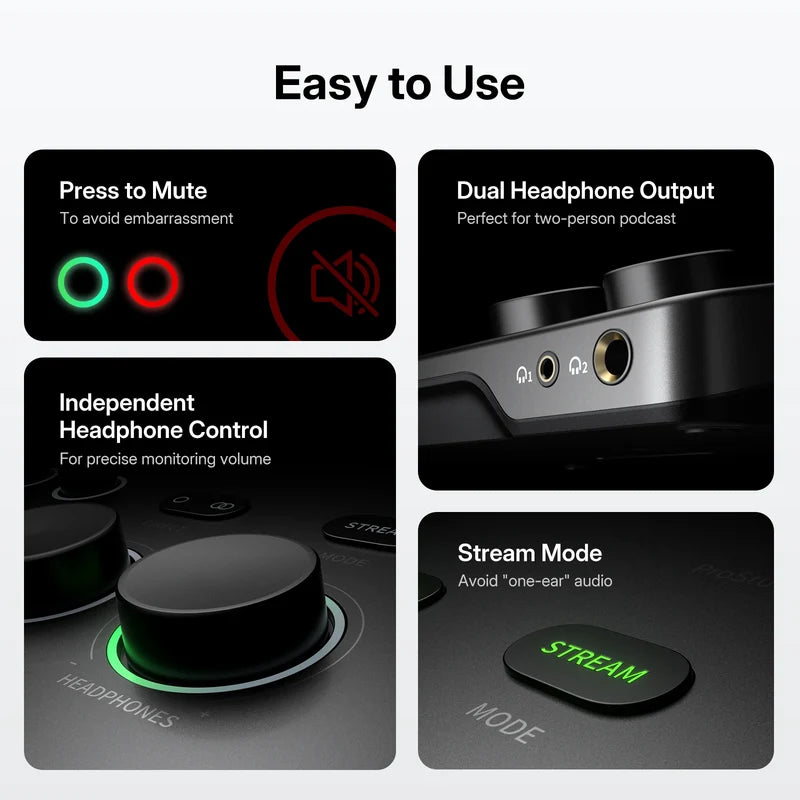
Clear visual indicators and intuitive controls make monitoring and adjustments quick and easy, so you can spend more time creating.
Ⅳ. Versatile Setup for Every Vision:
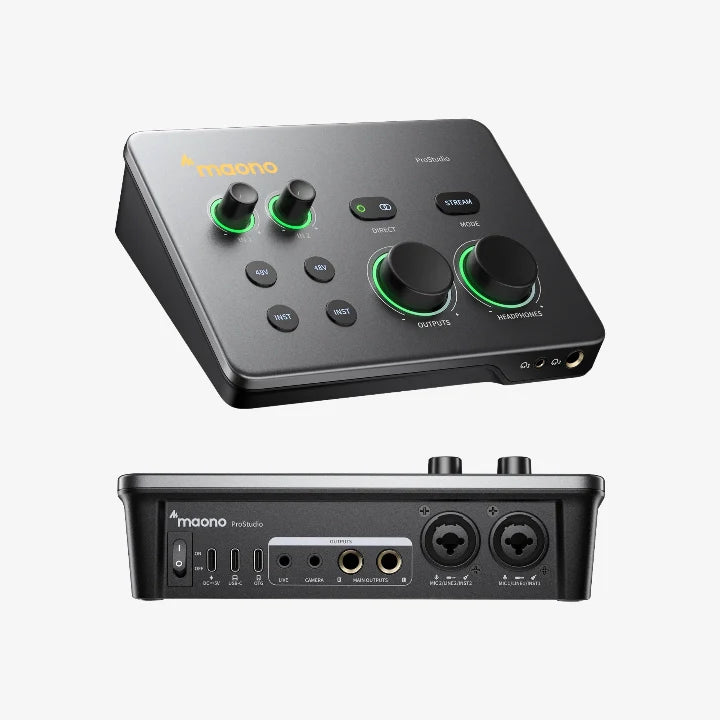
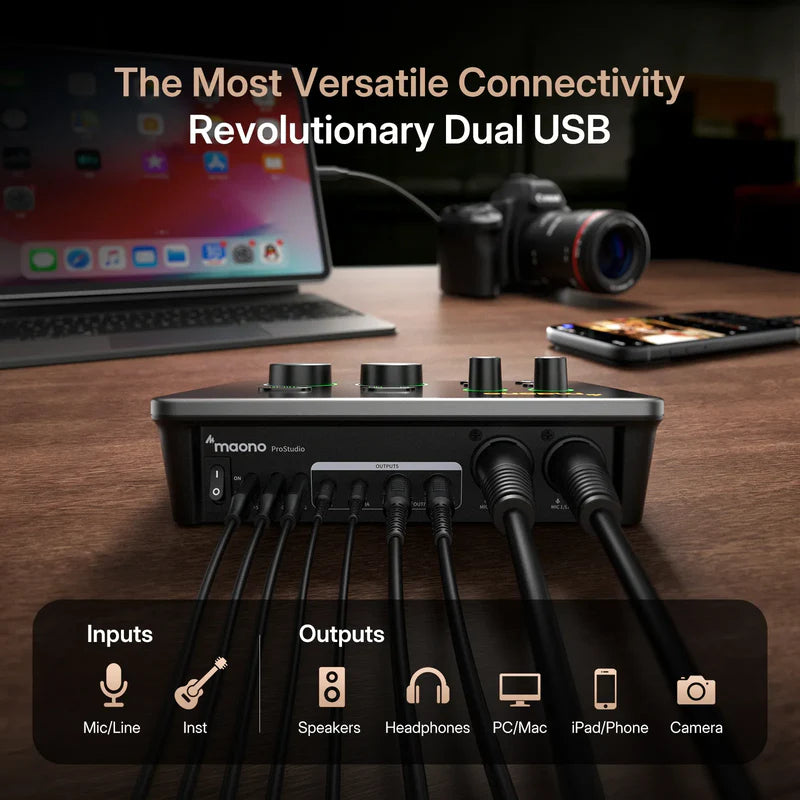
Dual XLR/TRS combo inputs and 48V phantom power support microphones, instruments, and more—ideal for recording, streaming, podcasts, and collaborative production.
Ⅴ. Built for the Road, Ready for Anything:
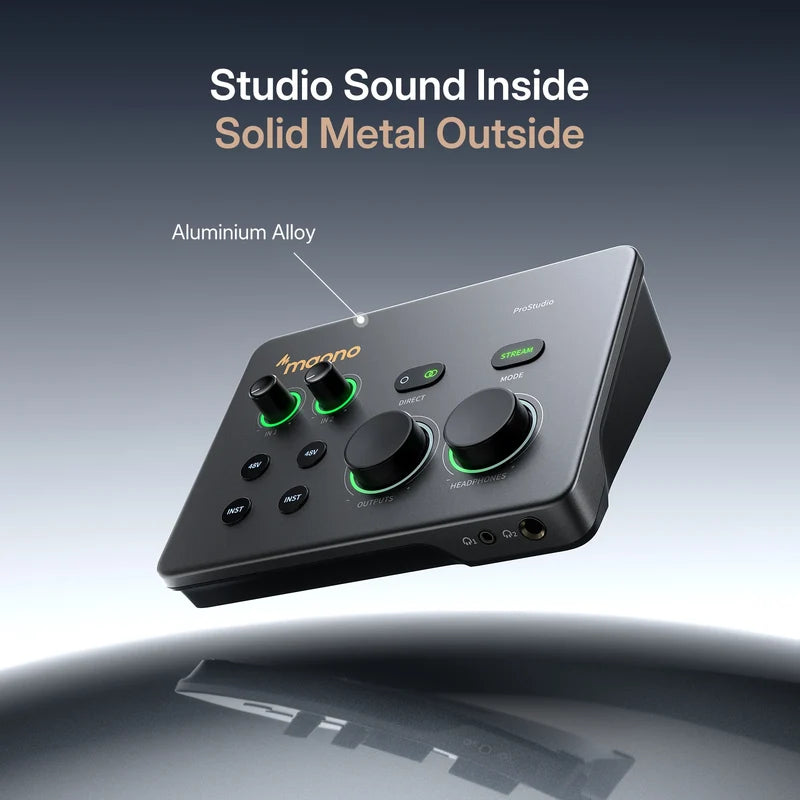
A compact aluminum alloy chassis combines portability with everyday durability, making the P2 ready for desktop, mobile, and on-location recording.
Choose options
MAONO P2
Create Anywhere.
Sound Like a Studio.
A compact hybrid audio interface built for music production, content creation, podcasting and streaming.
01
Plug & Play
MFi-certified for direct USB-C connection to iPhone, iPad and PC. Stable, low-latency audio with no extra adapters required.
02
Studio Purity
Up to 56dB of clean gain and 192kHz high-resolution audio capture vocals, instruments and streams with clarity.
03
Creator-Friendly
Clear visual indicators and intuitive controls make monitoring and adjustments fast and effortless.
04
Versatile I/O
Dual XLR/TRS combo inputs and 48V phantom power support microphones, instruments and multiple recording workflows.
05
Built for the Road
A compact aluminum alloy chassis combines portability with everyday durability for desktop and mobile recording.

Built for Every Workflow
One Interface.
One Interface.
More Ways to Create.


Professional Performance
Small Interface.
Small Interface.
Serious Capability.
192
kHz
High-resolution sampling
24
bit
Professional audio depth
56
dB
Clean microphone gain
2
Inputs
Dual XLR/TRS combo inputs
48
V
Phantom power support
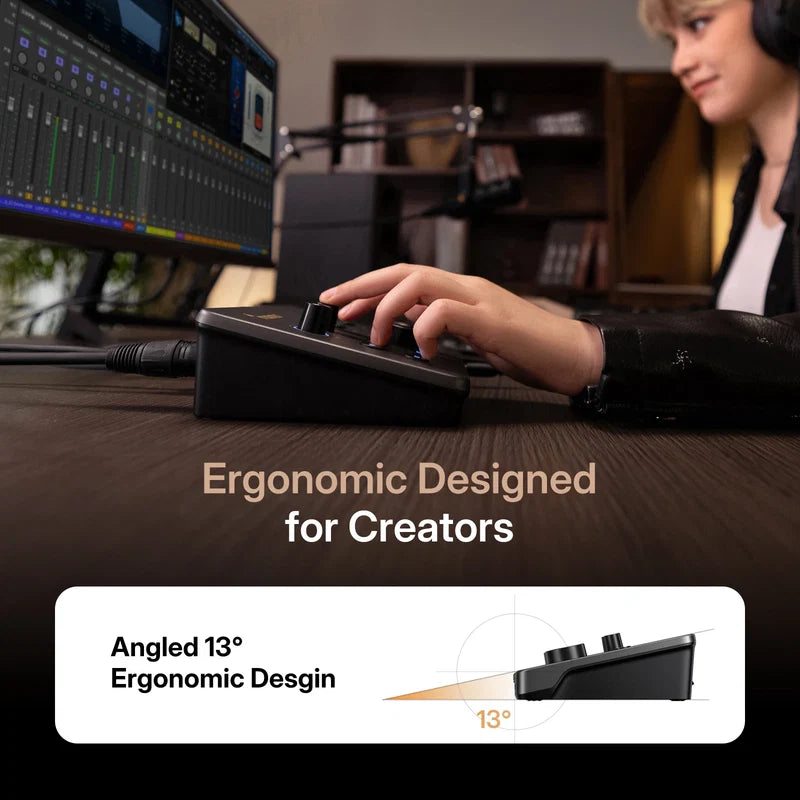
13°
Angle
Creator-friendly ergonomic design
Find Your Interface
P2 vs P1 vs PS22 Lite

Made to Adapt
One P2.
One P2.
Multiple Setups.
01
Music Production
Capture vocals, guitar and instruments through dual combo inputs with clean gain and direct monitoring.
02
Podcasting
Connect two microphones and record each voice independently for flexible editing in post-production.
03
Live Streaming
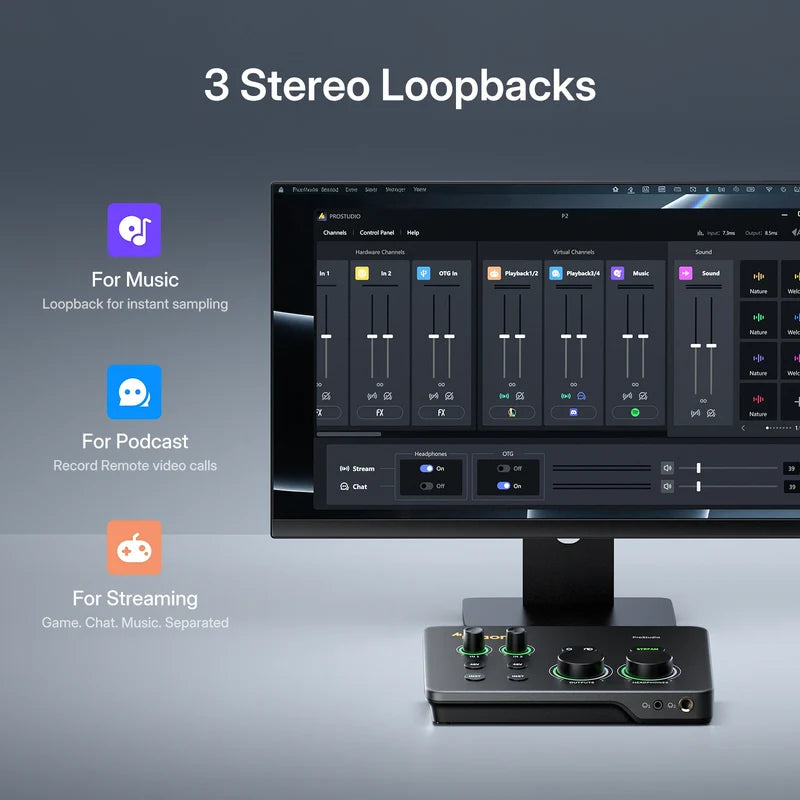
Bring microphones, instruments, computers and mobile devices together in one streamlined streaming setup.
04
Video Creation
Route processed audio directly to your camera and reduce the need for audio synchronization in post.
05
Mobile Recording
Use P2 with compatible iPhone and iPad devices for a portable creator setup without changing your workflow.
Swipe to explore
→
SUPPORT
Frequently
Frequently
Asked Questions
Everything you need to know about connecting and using the Maono P2.
For the latest compatibility information, please refer to Maono's official P2 support and compatibility documentation.
Visit Maono Support →No. The DC 5V port on the back is used to power the audio interface itself and does not reverse-charge a connected phone.
For longer mobile recording or streaming sessions, make sure your phone has sufficient battery power before you begin.
Yes.
- Connect the guitar to the center of the combo input using a TS instrument cable.
- Press the corresponding INST button to enable high-impedance instrument mode.
Without INST mode enabled, the guitar signal may sound dull or muffled.
Turn the Stream mode off so the P2 operates in Stereo mode.
In your DAW, create two mono tracks:
- Track 1: Input 1 / Left
- Track 2: Input 2 / Right
This keeps both vocal signals independent so they can be edited separately in post-production.
The Main Outputs are designed for connecting studio monitor speakers.
They are balanced outputs. For better resistance to interference, use compatible 6.35 mm TRS-to-TRS cables when connecting powered monitors.
The Camera output is designed for creators who record video with a camera.
Connect the P2 Camera port to the microphone input on your camera using a compatible 3.5 mm TRS-to-TRS cable.
This allows processed audio from the interface to be recorded directly into the video, reducing the need to sync separate audio later.
Visit the Maono Help Center for additional setup, compatibility and troubleshooting information.
Explore Maono FAQs →